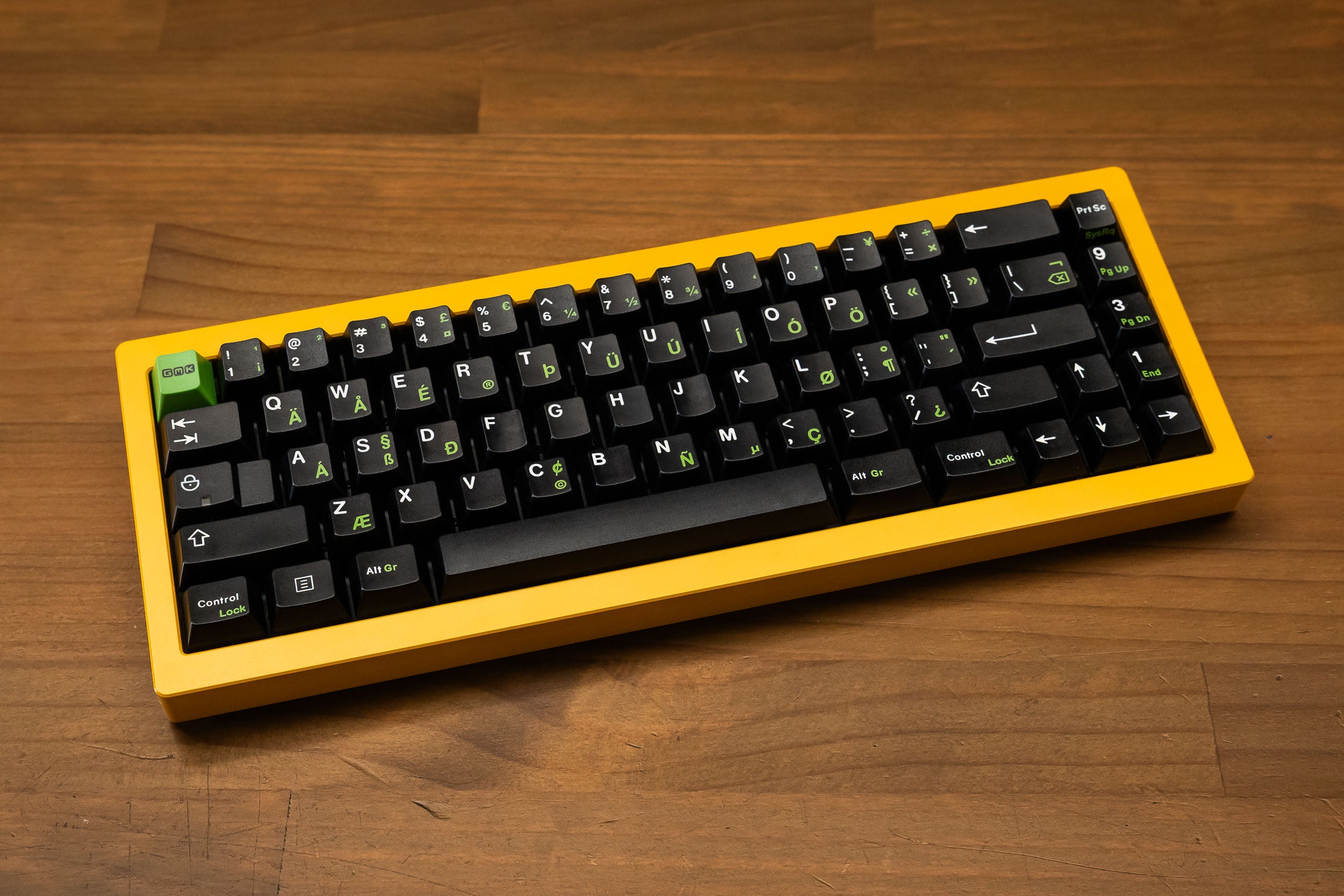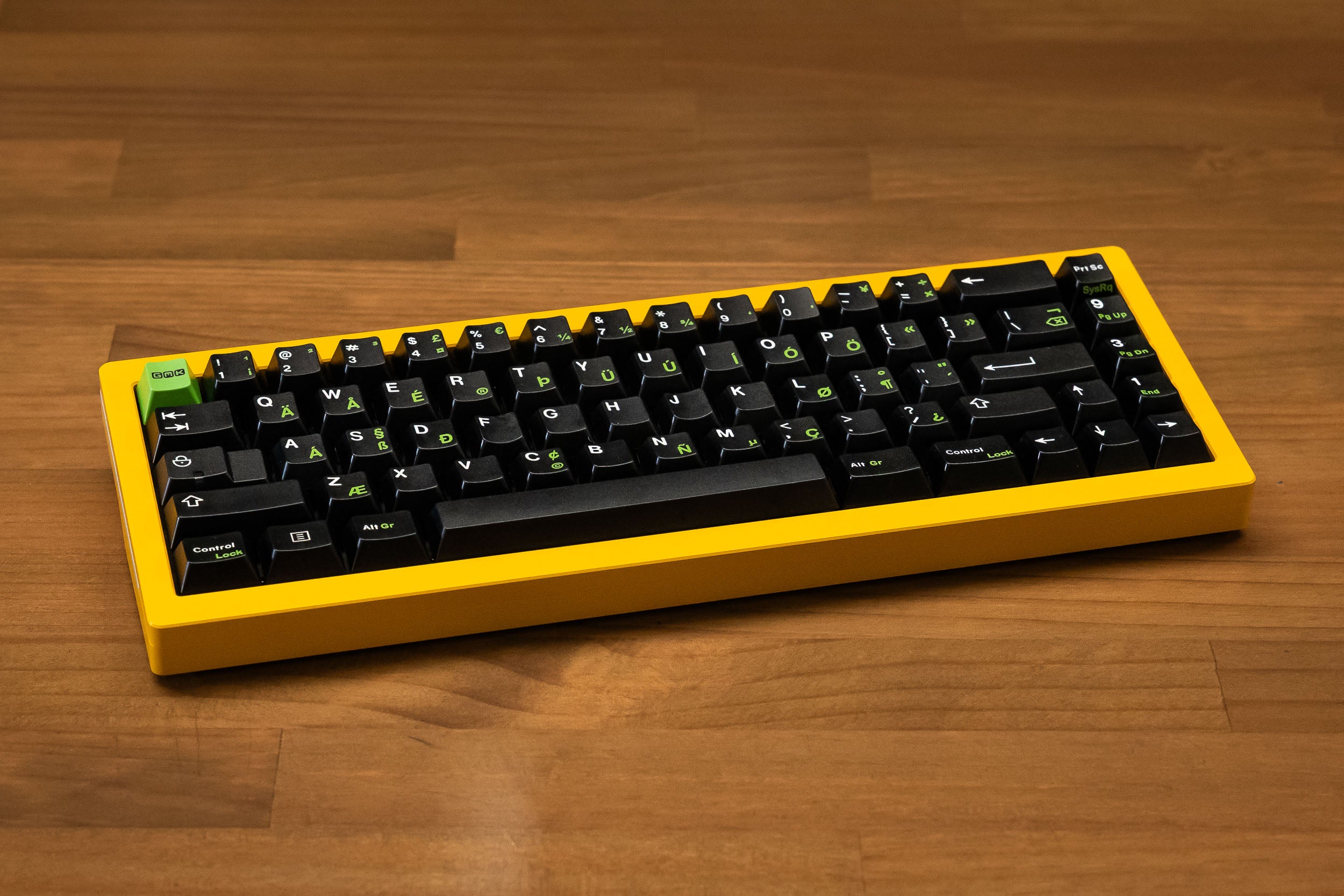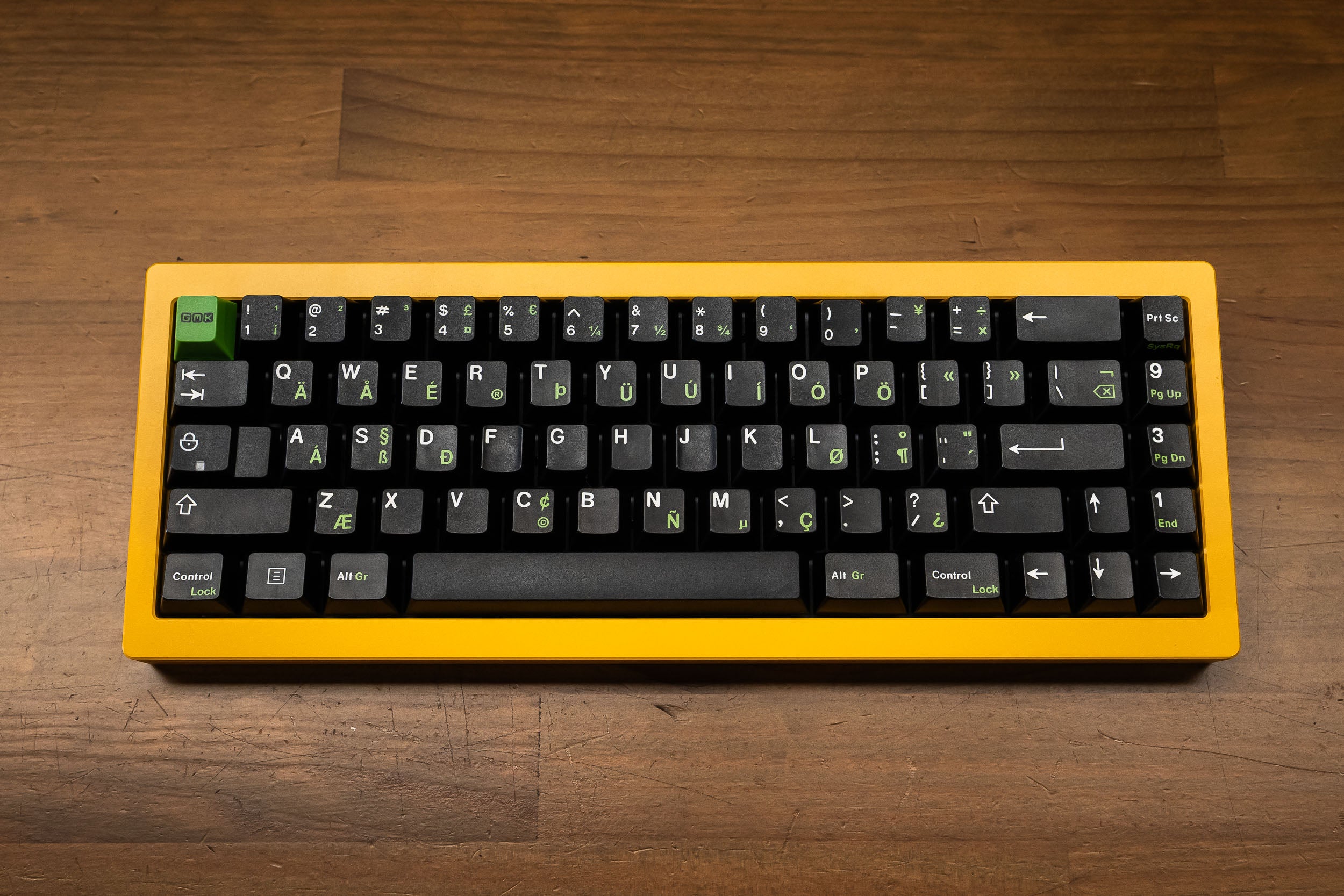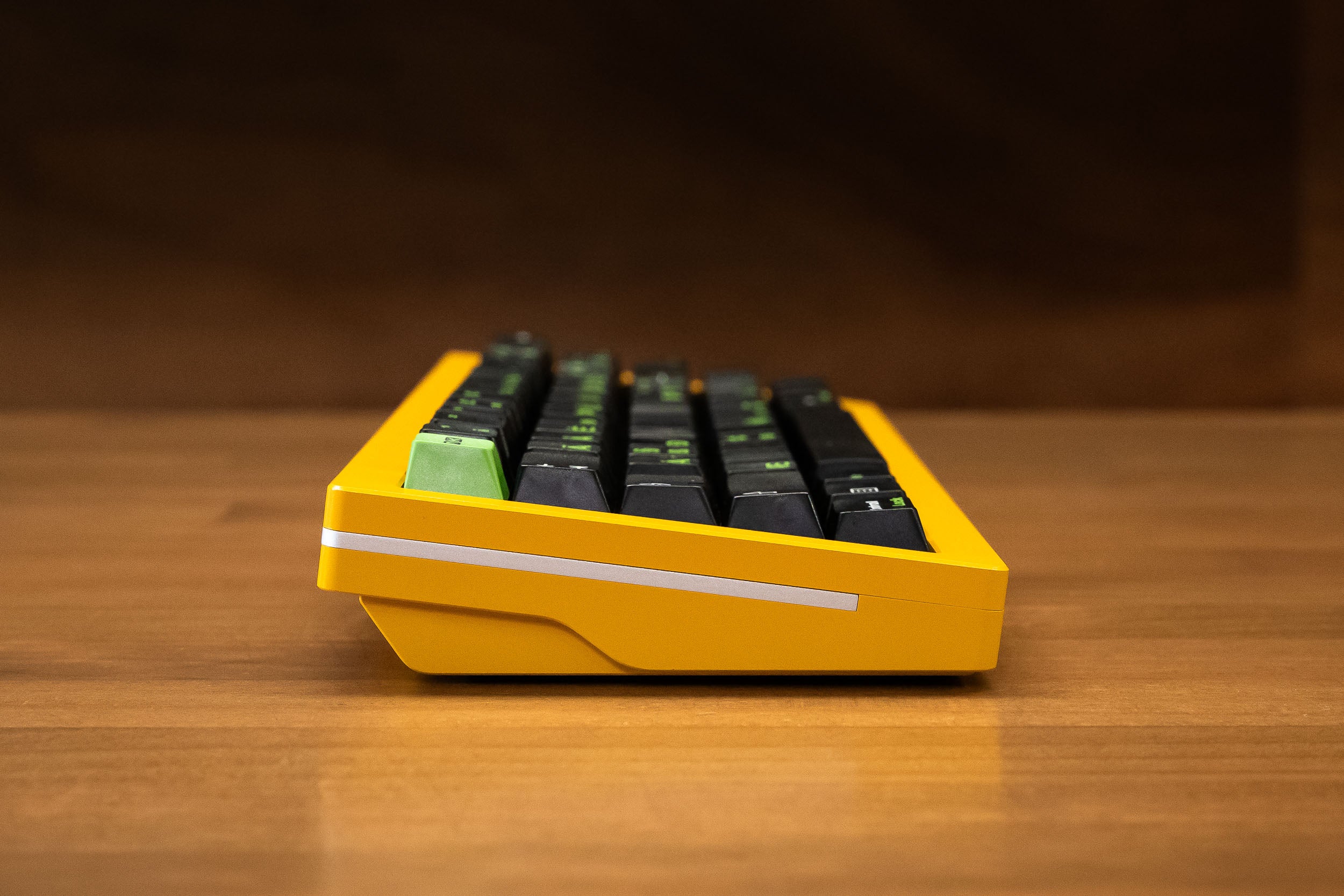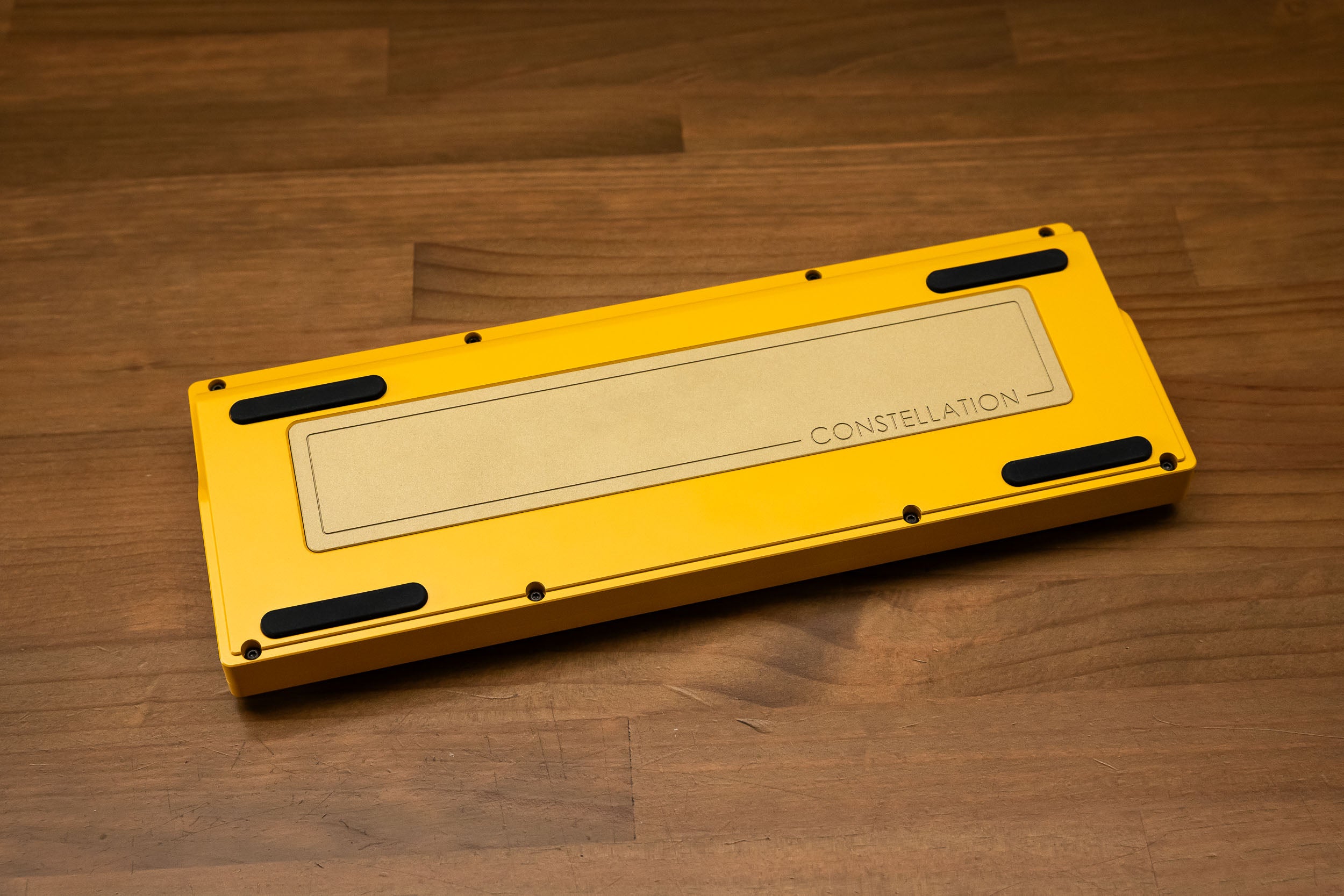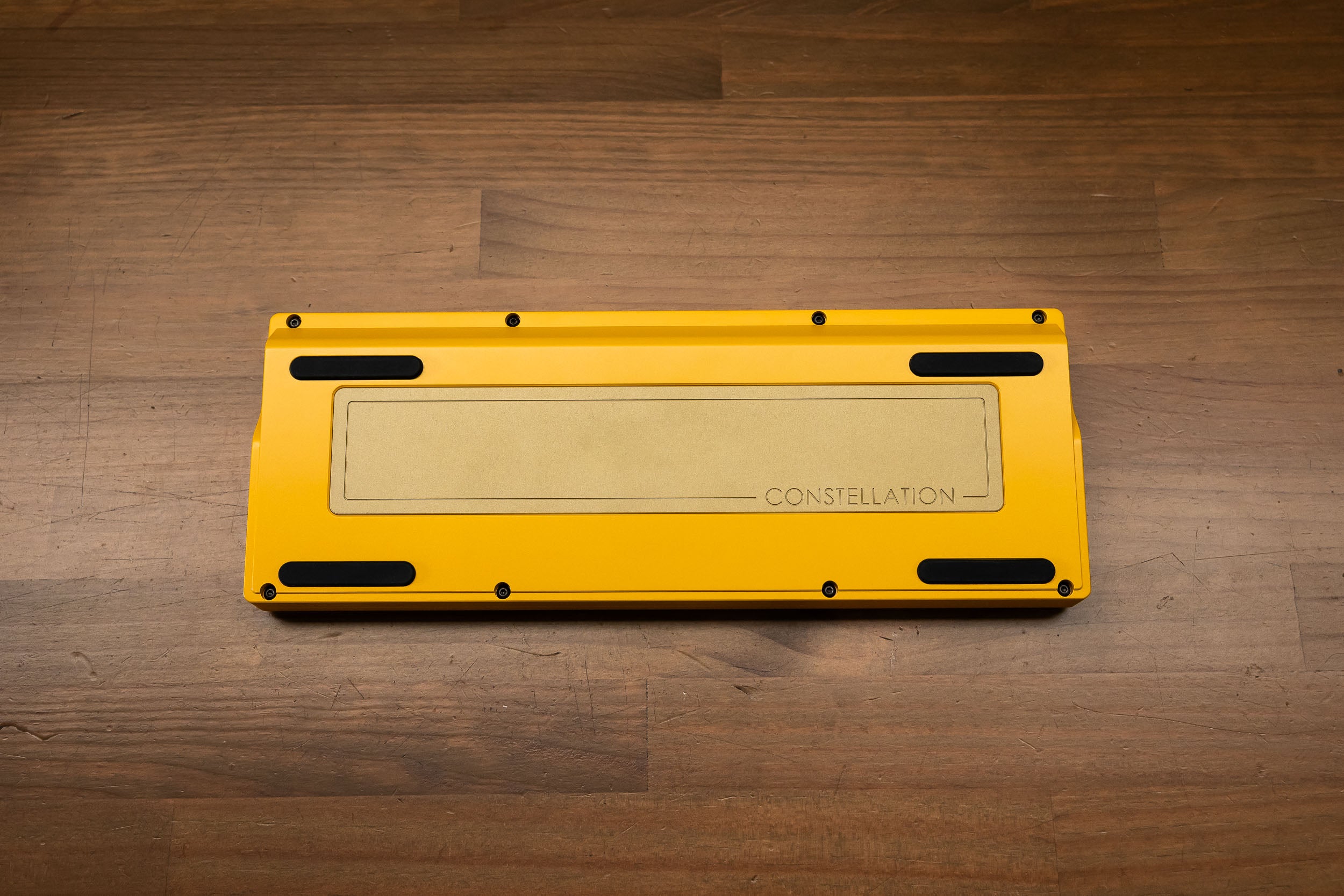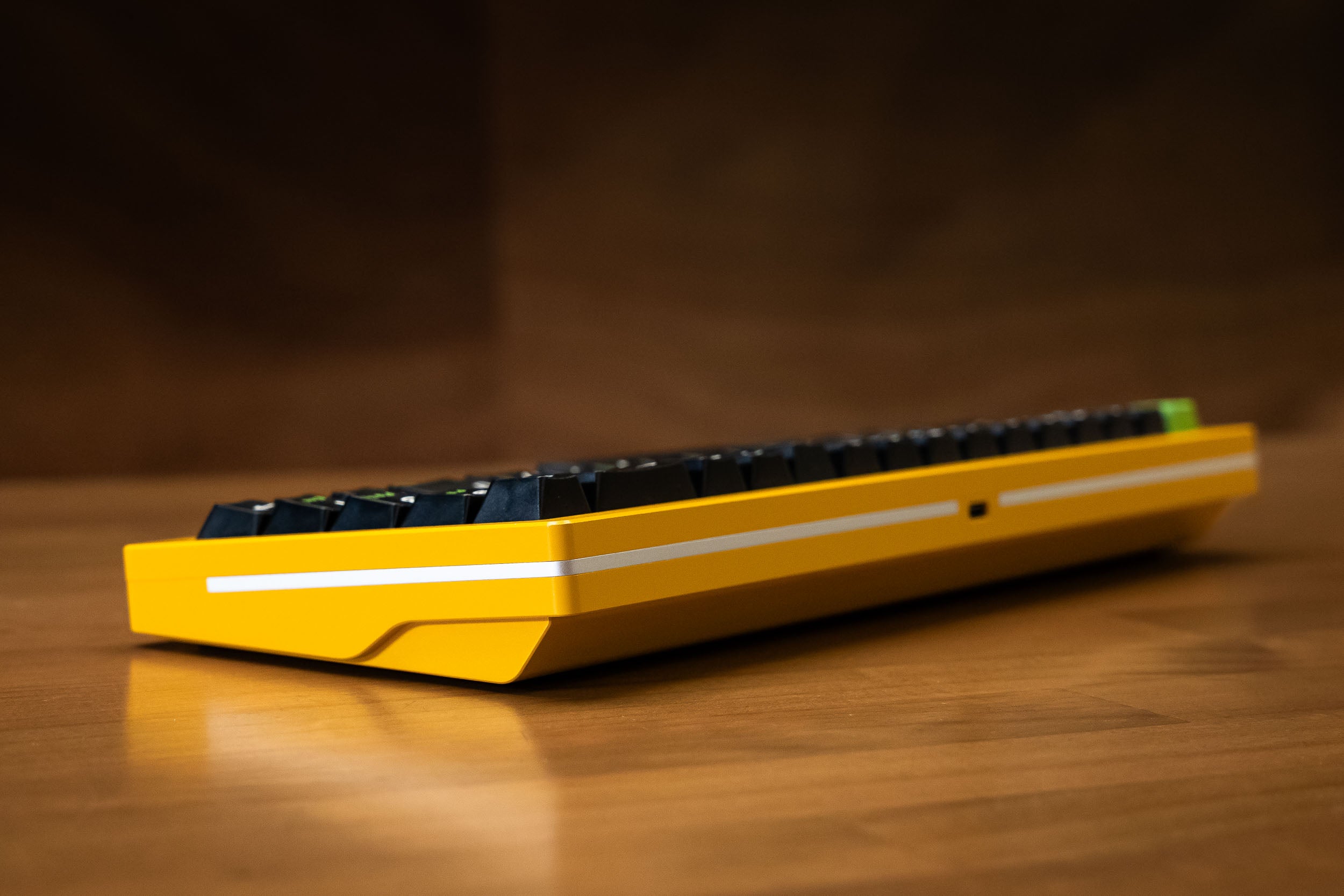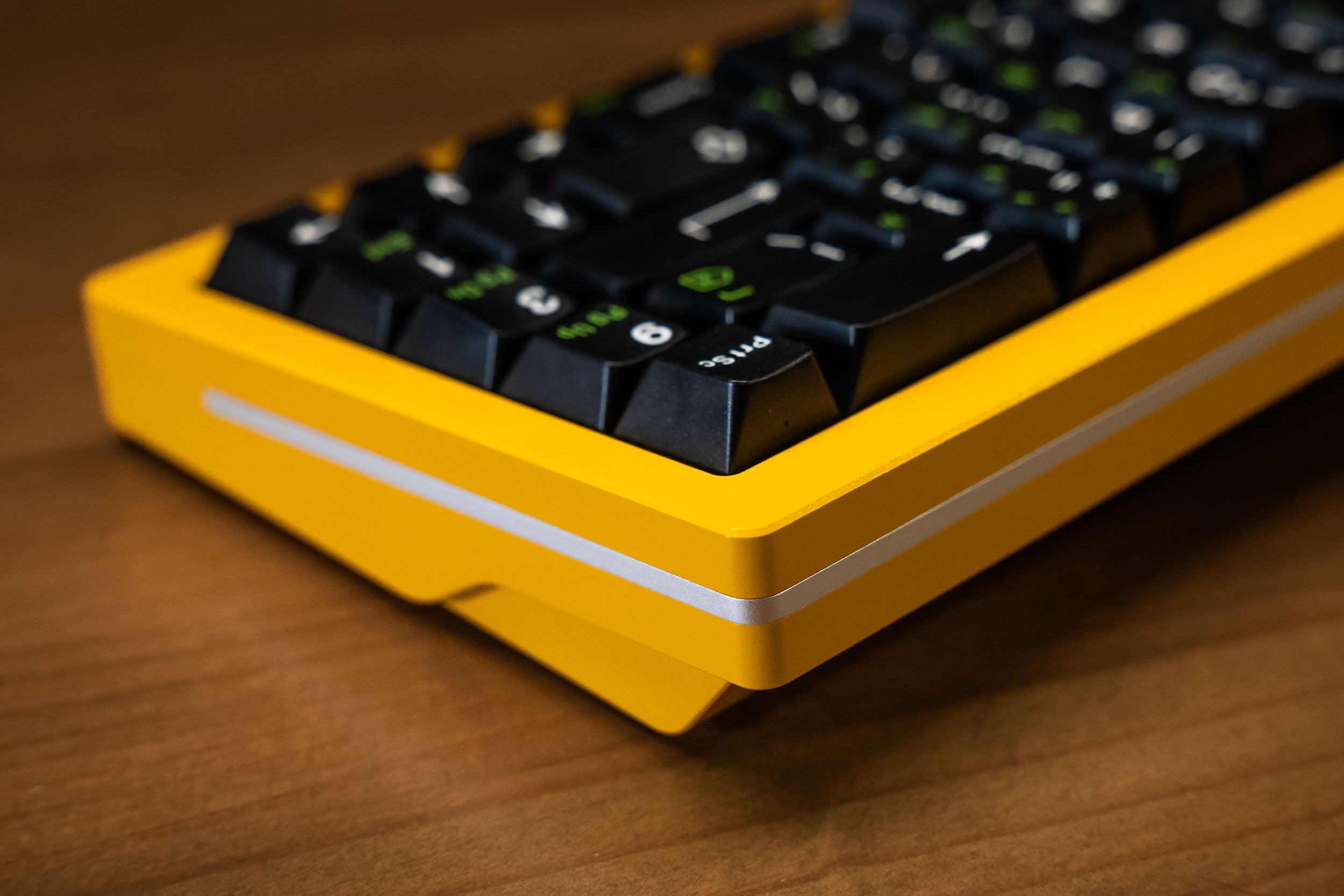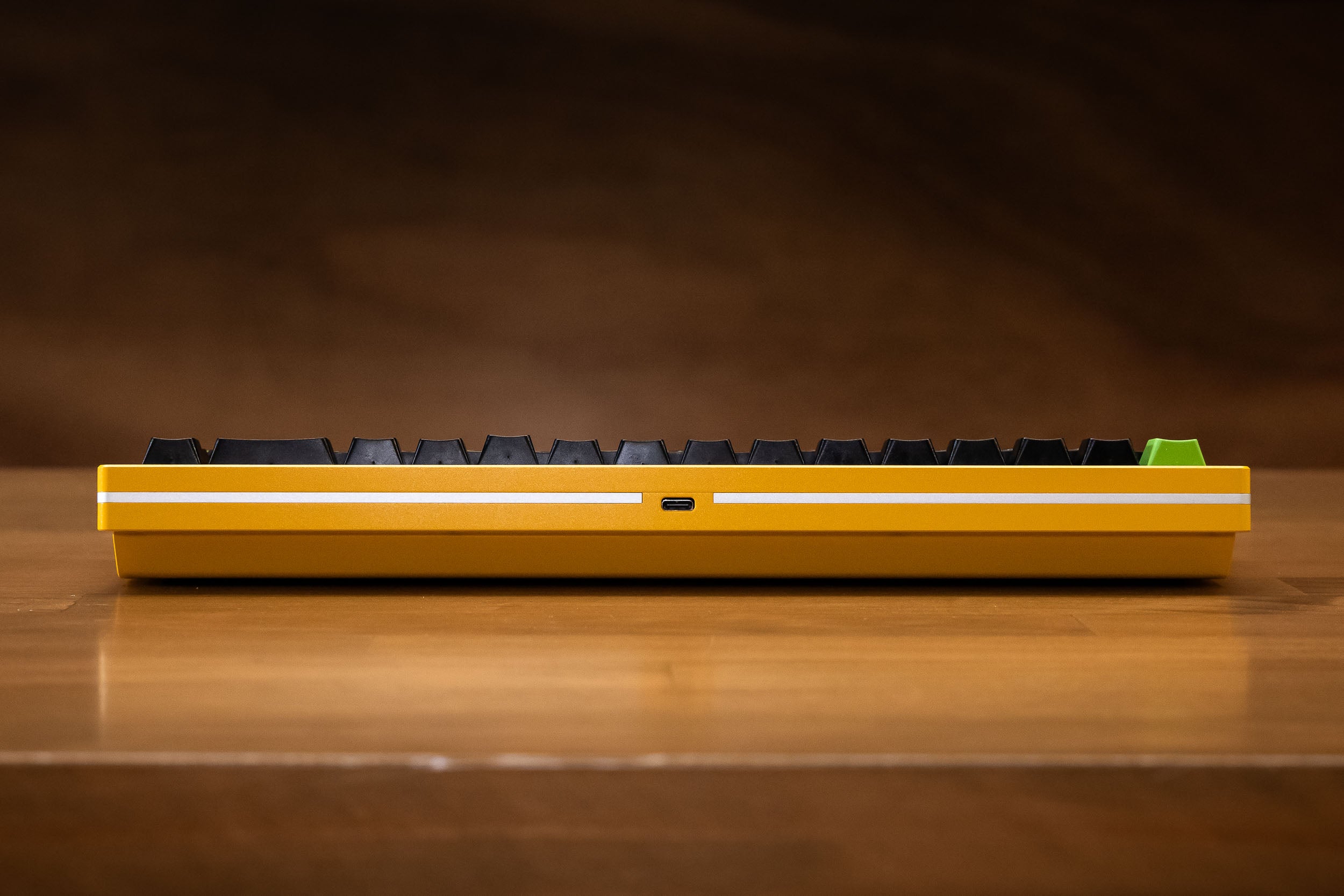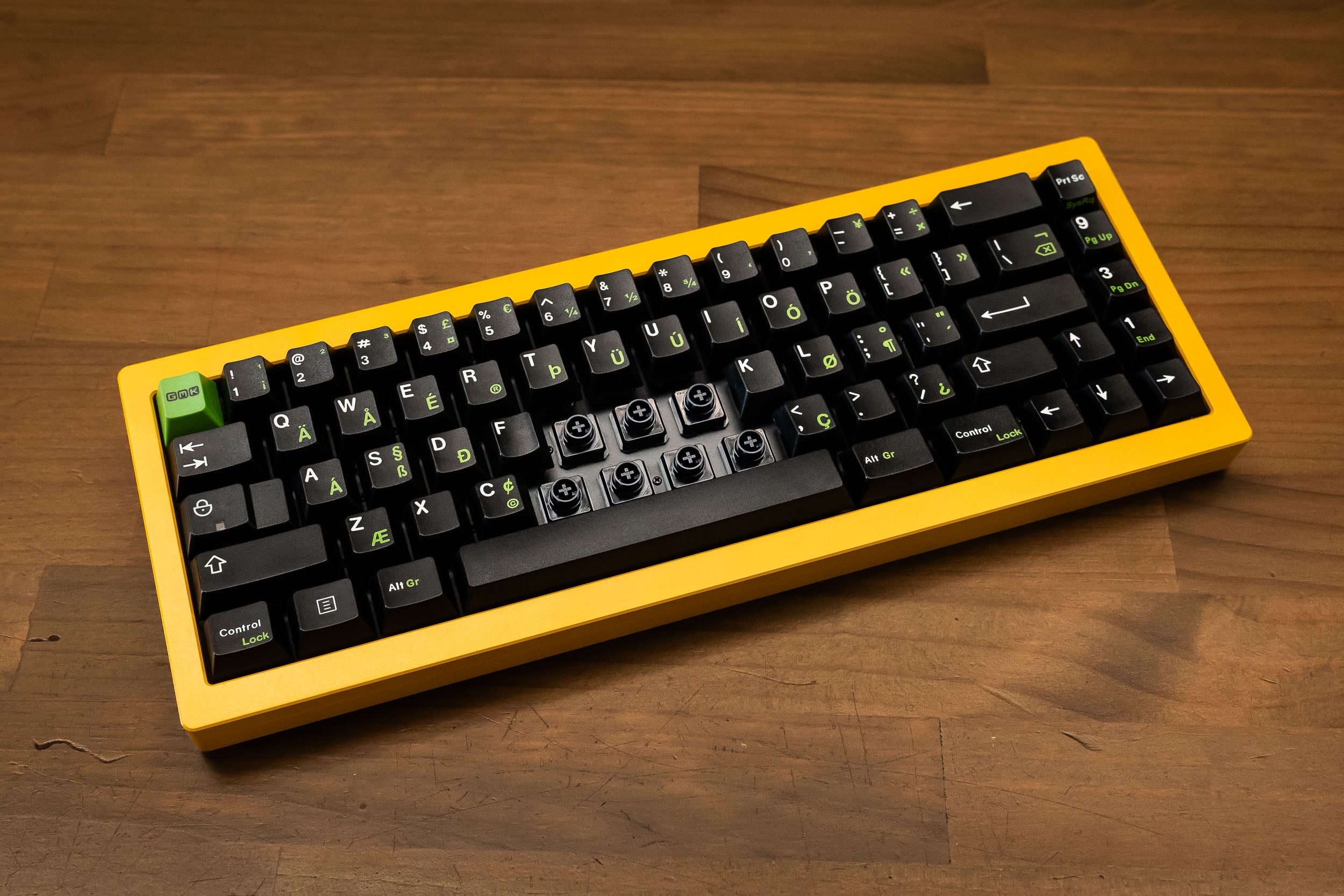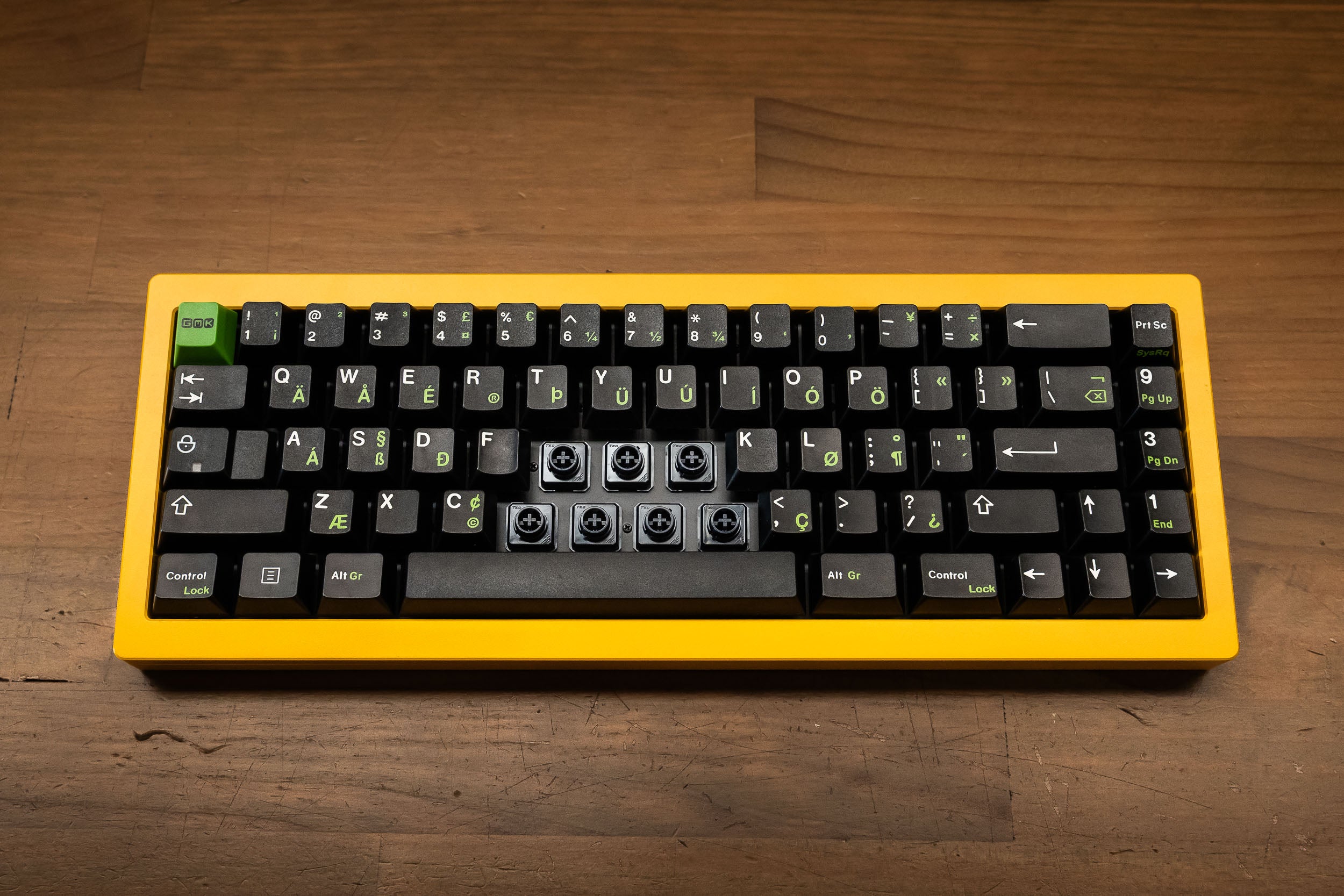
Constellation EC Full Kit
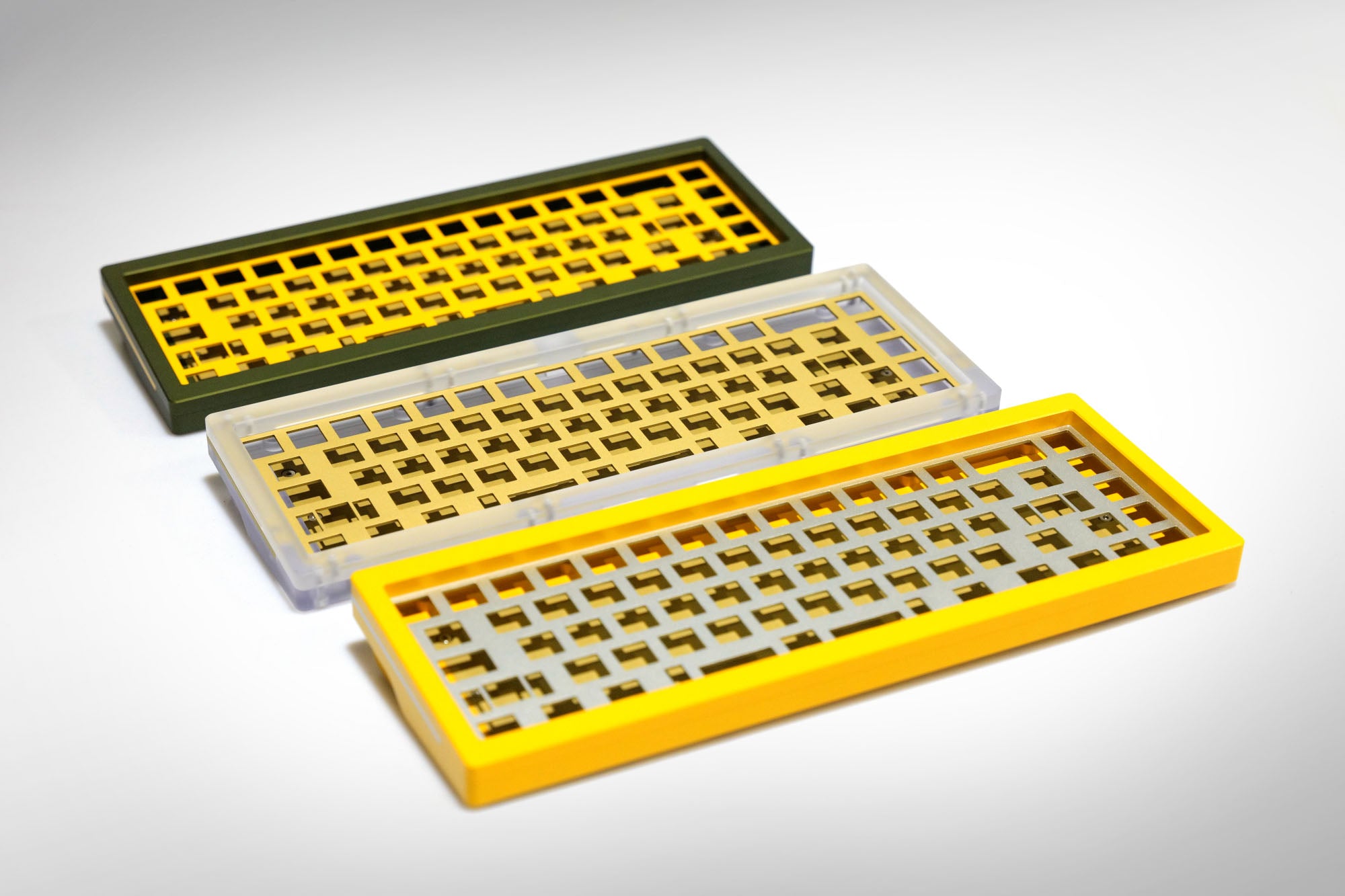
Regular price $810.00 AUD Sale price $810.00 AUD Regular price $810.00 AUD
Constellation - Keyboard Case Only (Colour) Yellow
In stock
Description

Our Signature System, Reborn

Love the unique feel of Topre but hate the frustrating, closed-off system? We did too. That's why we created the Naevies EC switch - to finally open up the world of EC to everyone.

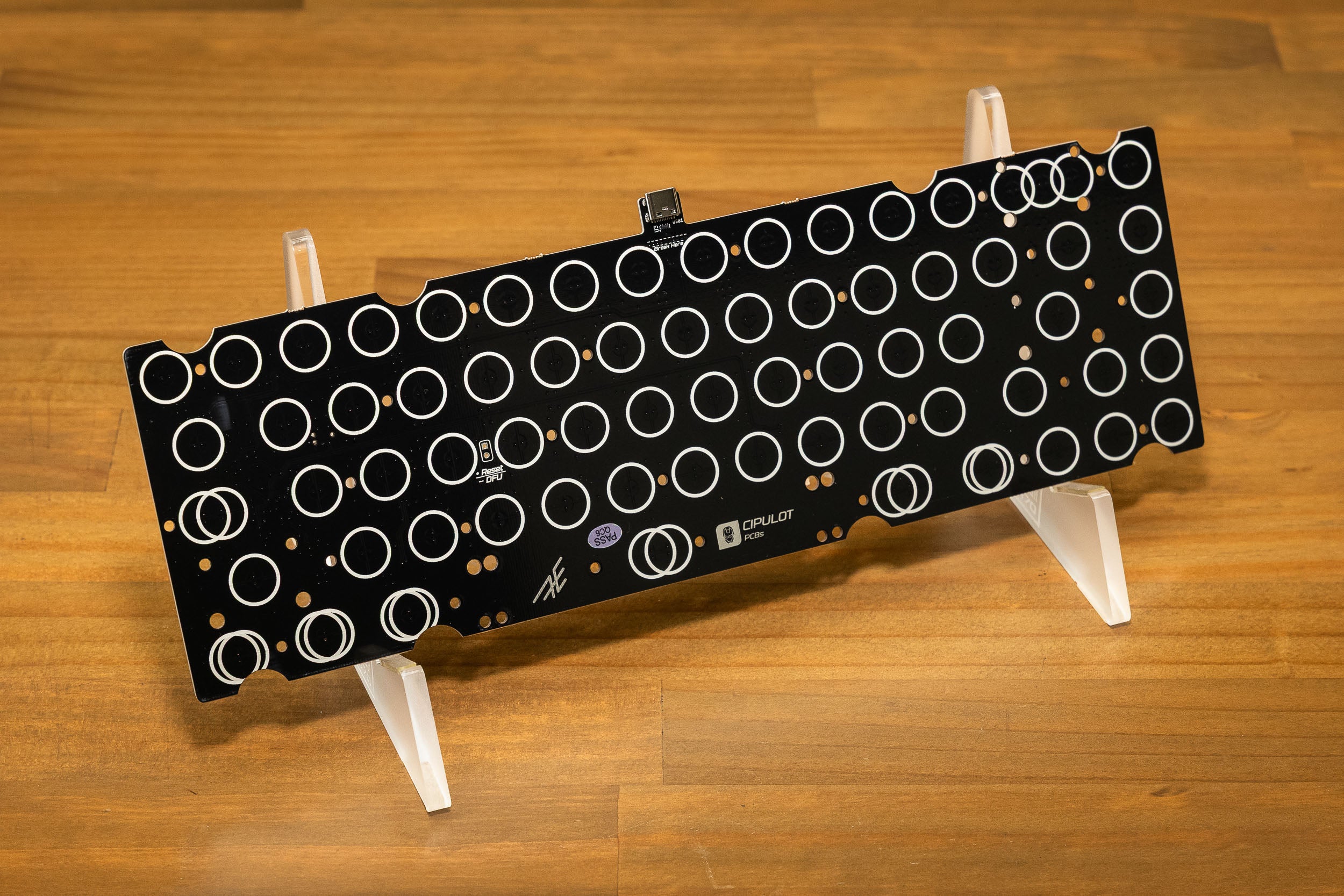
Say goodbye to misaligned domes, finicky stabilisers, and hunting down keycaps. Our Naevies EC switches feature a standard Cherry MX footprint, allowing for a simple, drop-in installation on our new EC-compatible PCBs.

The goal is to create an ecosystem where any MX-style keyboard can be easily converted to EC technology. This system is currently available for the Constellation and Satellite keyboards, with conversion kits offered to help existing users transition. 

We've seen community members create fully DIY keyboards with our Naevies EC switches, and over time, we hope more designers bring out compatible PCBs.

Read more about the Constellation EC here.


The Full Kit

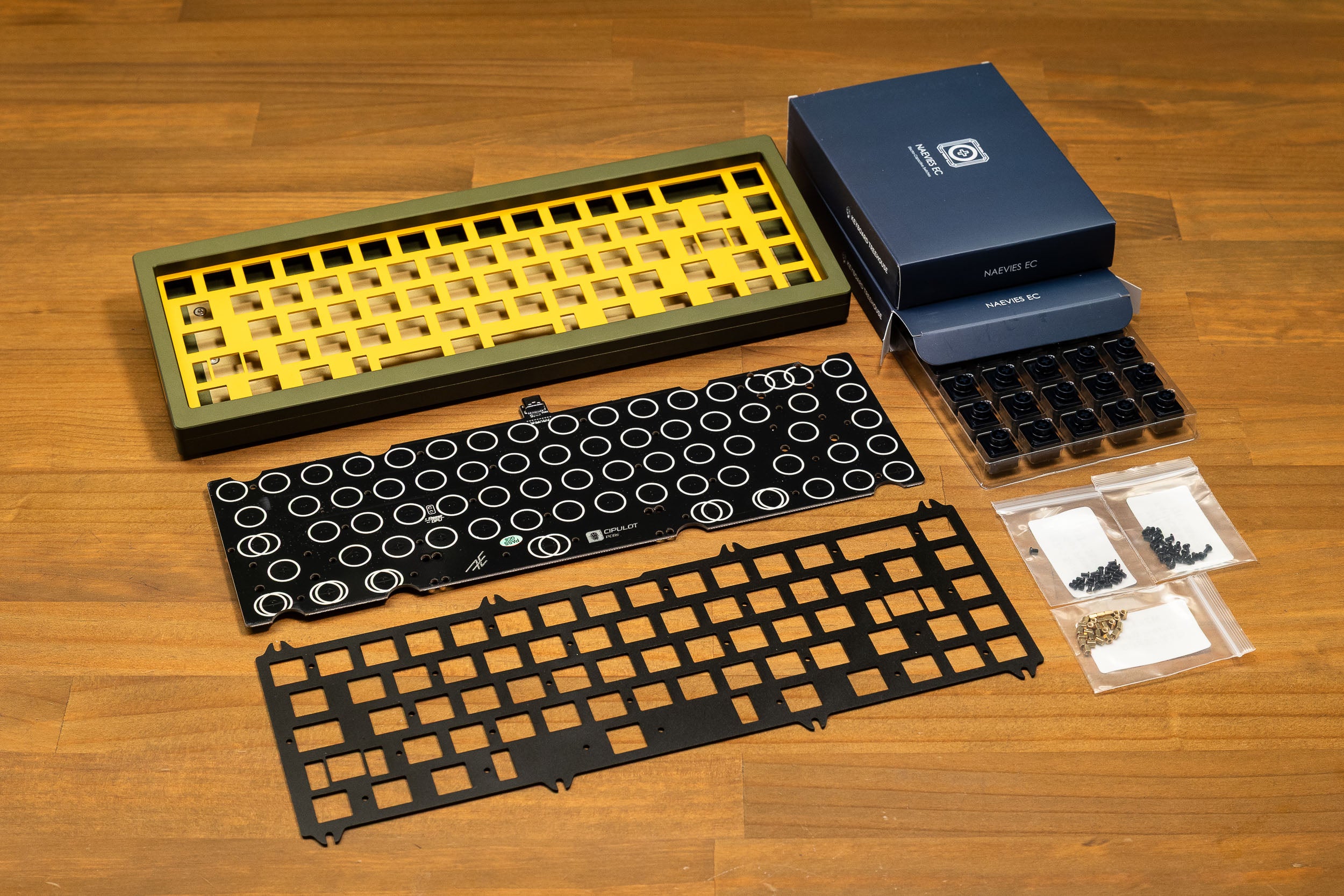
This listing combined 3 products which will show up as separate items after purchase - Constellation Case Only, EC PCB & Plate, and 2x Naevies EC 55g switches.

See the 'What's Included' section for a full list of inclusions.

Switches: Our 45g Naevies EC switches are out of stock so they have been replaced with the teal 55g switches.

Specifications
Layout 65% blockerless
Finish and Material Anodised aluminium / frosted polycarbonate (PC option)
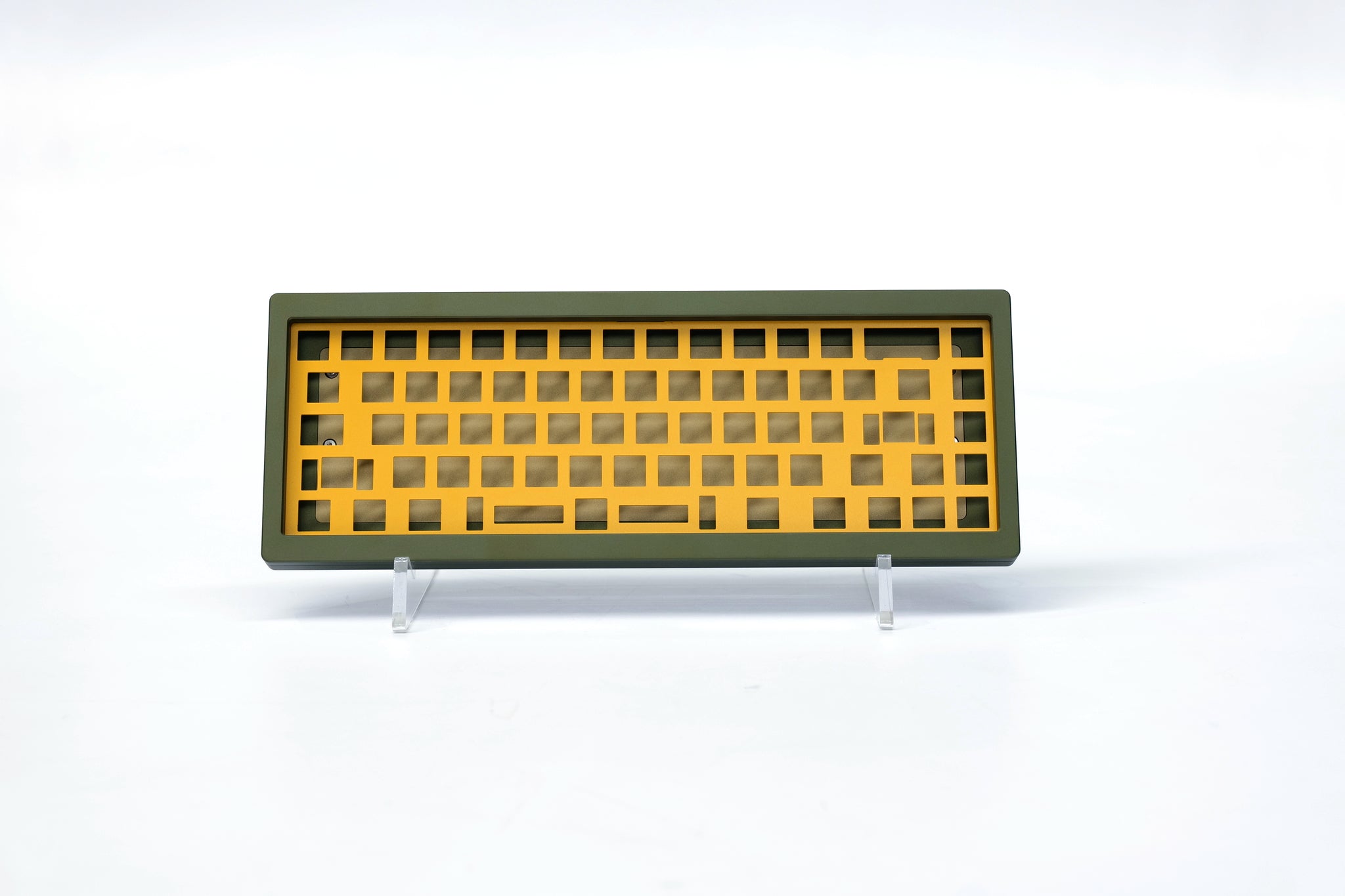
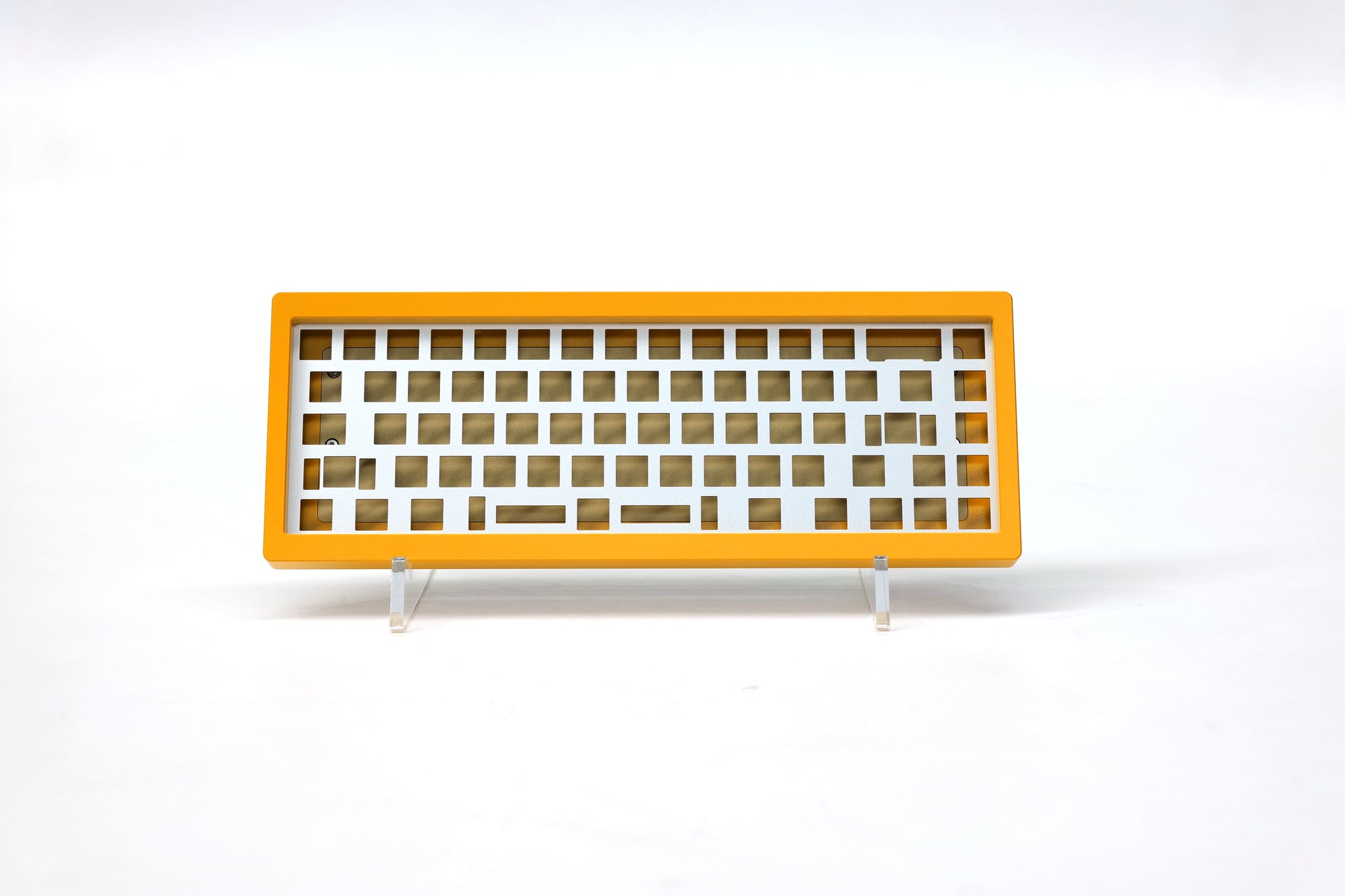
Plate 1.5mm anodised aluminium / 1.5mm brass (PC option)
Mounting Method Top mount, gasket mount and O-ring
Switch Support AEBoards EC
PCB (Cherry MX) Solder 1.6mm thick FR4, Cherry MX style
PCB (EC) 1.6mm thick FR4
Connectivity USB-C
Wireless No
Programming Method VIA, QMK
Stabliser Support PCB-mount cherry MX style
Front Height 22mm
Typing Angle
Dimensions 120 x 323mm
Weight (unbuilt) 2.3kg
Designed by AEBoards
Manufactured in China
What's Included
  • Constellation keyboard case
  • Feet, gaskets, o-ring
  • 1 set of Staebies
  • Constellation EC PCB
  • 6.25U black aluminium plate
  • PCB screws, plate screws, standoffs
  • 2x Naevies EC (70 switches total)
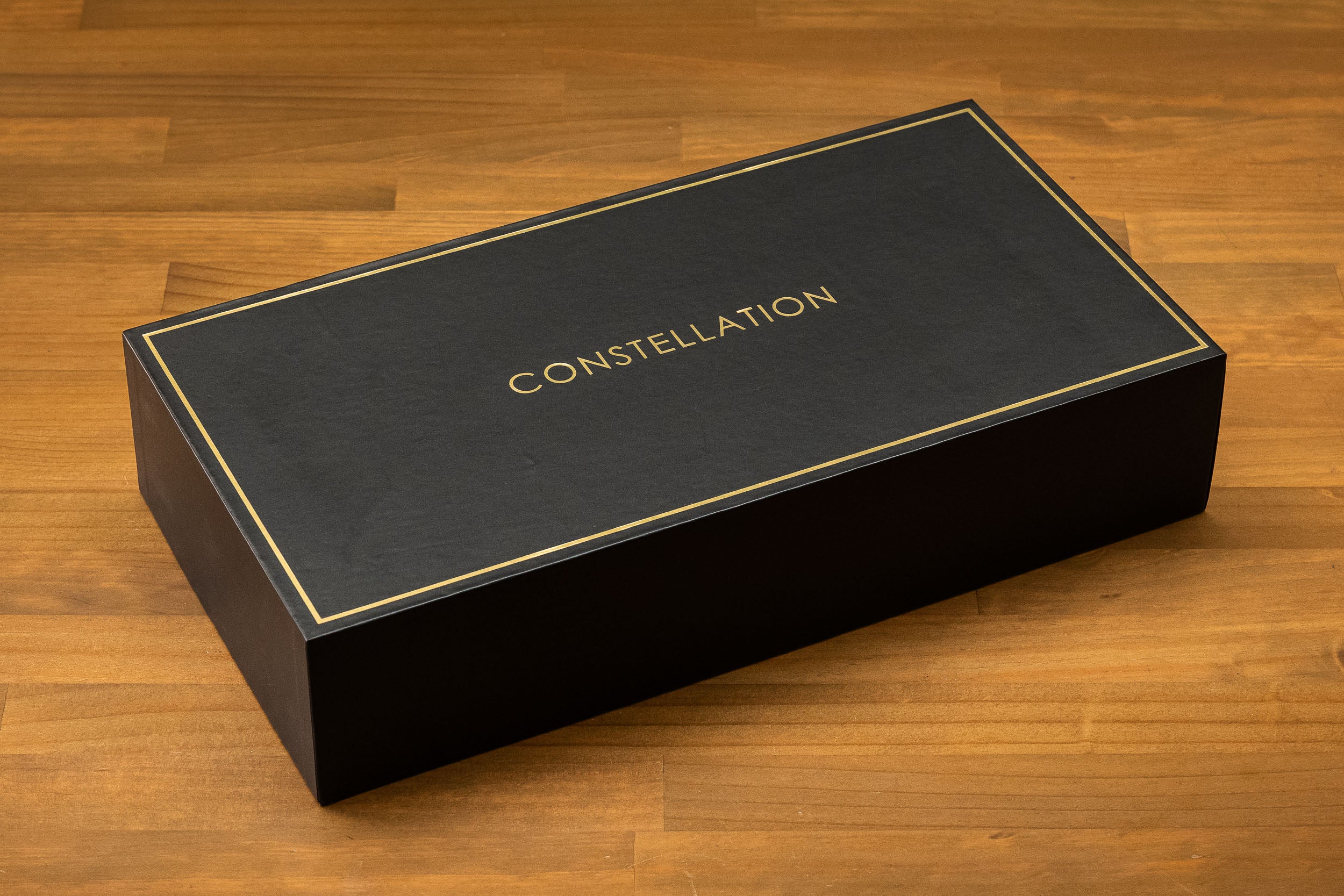
  • Comes in an AEBoards Hard Case

Note that this listing will show up as 3 separate products on the invoice.

Trusted Fulfillment

Fast, reliable fulfillment from our Sydney warehouse.

Satisfaction Guaranteed

Community tested and approved.

Easy Returns

Send it back stress-free.

Global Shipping

We deliver worldwide.

The AEBoards EC System

EC for the Modern Era

Gone are the days of hunting down rubber dome sheets, springs, sliders and stabilisers. Our unique switch system brings the beloved feel of electro-capacitive typing into the modern era.

You have complete freedom to use Cherry MX compatible keycaps and stabilisers, and switch modding is a breeze with the single-housing and dome assembly.

Compatibility

AEBoards EC switches are compatible with our Constellation EC PCB and Aepex EC PCB.

They are not compatible with other other electro-capacitive or Topre keyboards on the market unless you do some modding. This is due to switch cutouts and PCB-plate spacing being different.

We follow the Cherry MX configuration of 14x14mm switch slots and 5mm between PCB and top of plate (3.5mm standoffs with a 1.5mm plate).

HE Switches and Domes

Our Raeds HE and Naevies EC switches share the same housing and dome structure, which mean you can freely swap the domes between each other, and with any of our linear or tactile dome packs.

Visual dome swapping guide here.

Layouts

We have a few layout options easily configured through the VIA website.

Backspace can be changed into split backspace with a toggle. 

There is a drop down list of 3 options, in the Constellation EC, you will only be able to build with Option 1 or 2. Option 3 is only possible in the Satellite EC (through the upgrade kit or full kit).

Keep in mind that our 65% layout uses 1.5u keycaps, which may not be present in some keycap sets. If you are unsure, send us a link to the keycaps and we can check for you.

See the last image in the gallery for a detailed diagram.


EC Build Instructions

To help guide you through your build, we've partnered with Lightning Keyboards, a builder and streamer renowned in the community for his meticulous craftsmanship and incredible attention to detail.

Follow his step-by-step build guide here.

This is applicable to both Satellite EC and Constellation EC builds.

No soldering is required, only a screwdriver. Included are 2 bags of screws (one set for PCB, one set for plate) and 1 bag of standoffs.

  1. Install stabilisers onto the PCB.
  2. Install standoffs to the PCB using PCB screws.
  3. Place the plate on the standoffs, and screw in with plate screws (smaller screw heads).
  4. Insert Naevies EC switches into the plate in any orientation.
  5. Calibrate the PCB with VIA (caniusevia.com). Here is a guide from the designer Cipulot - https://youtu.be/Q4fDkv0Z1bM
Hear from our community

Customer Reviews