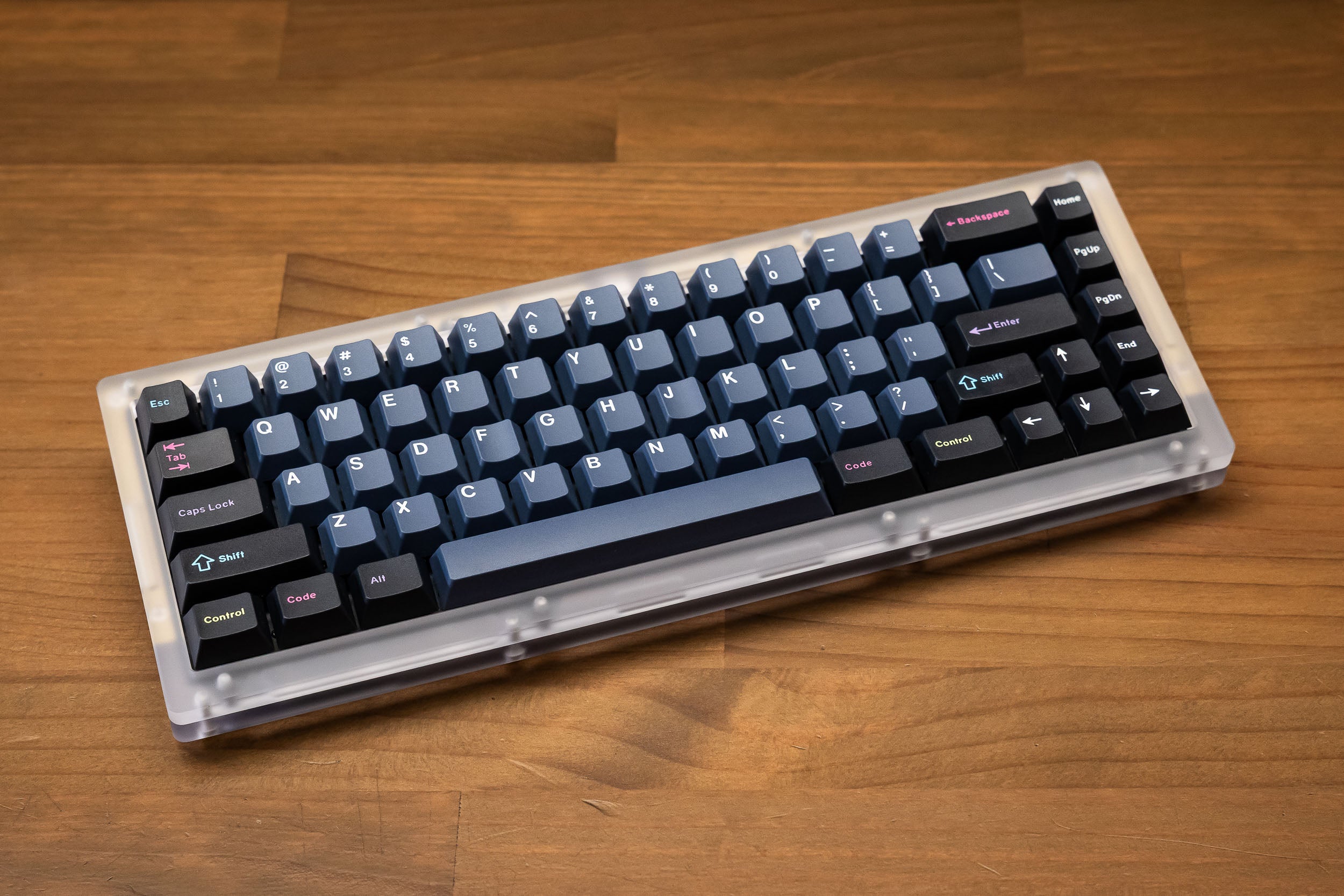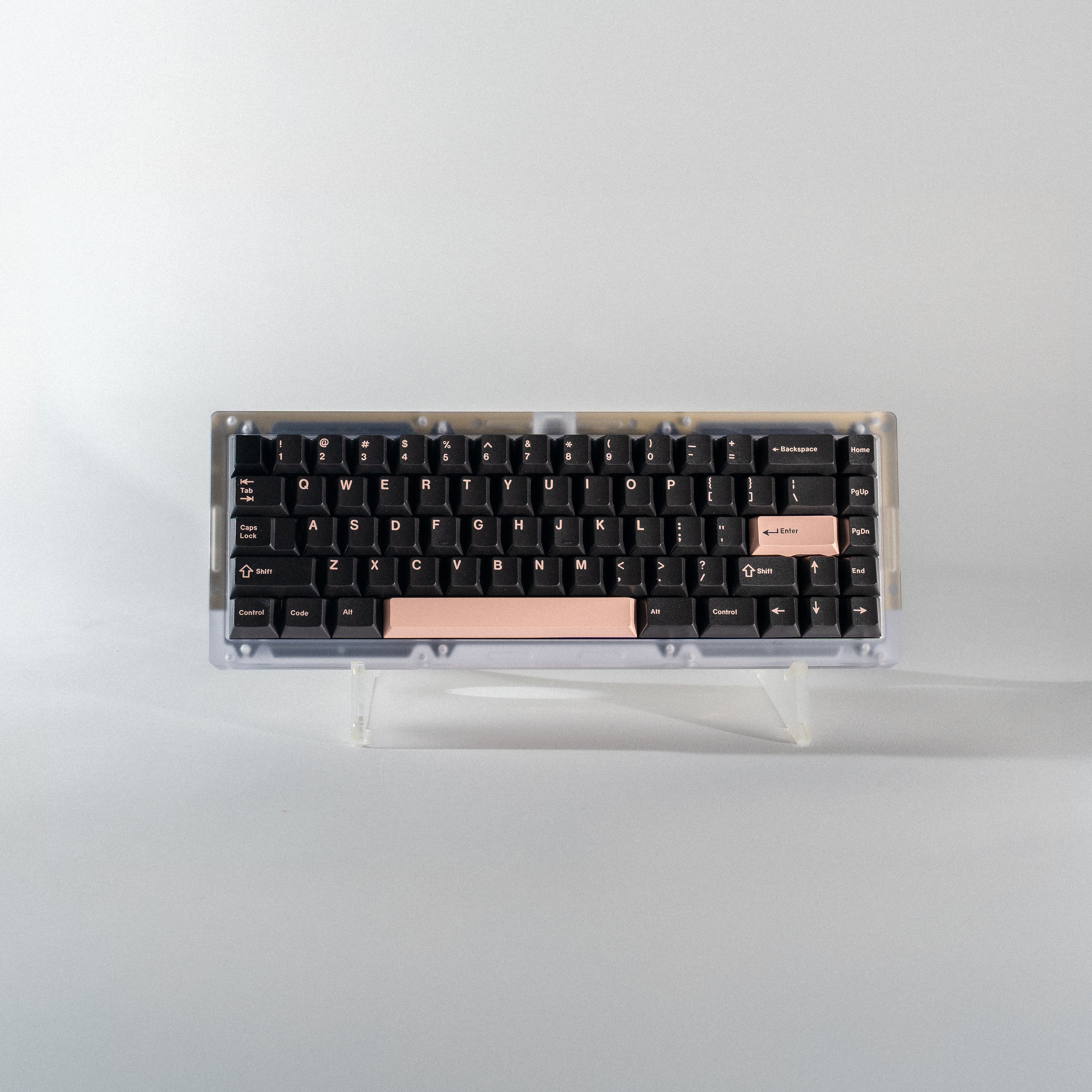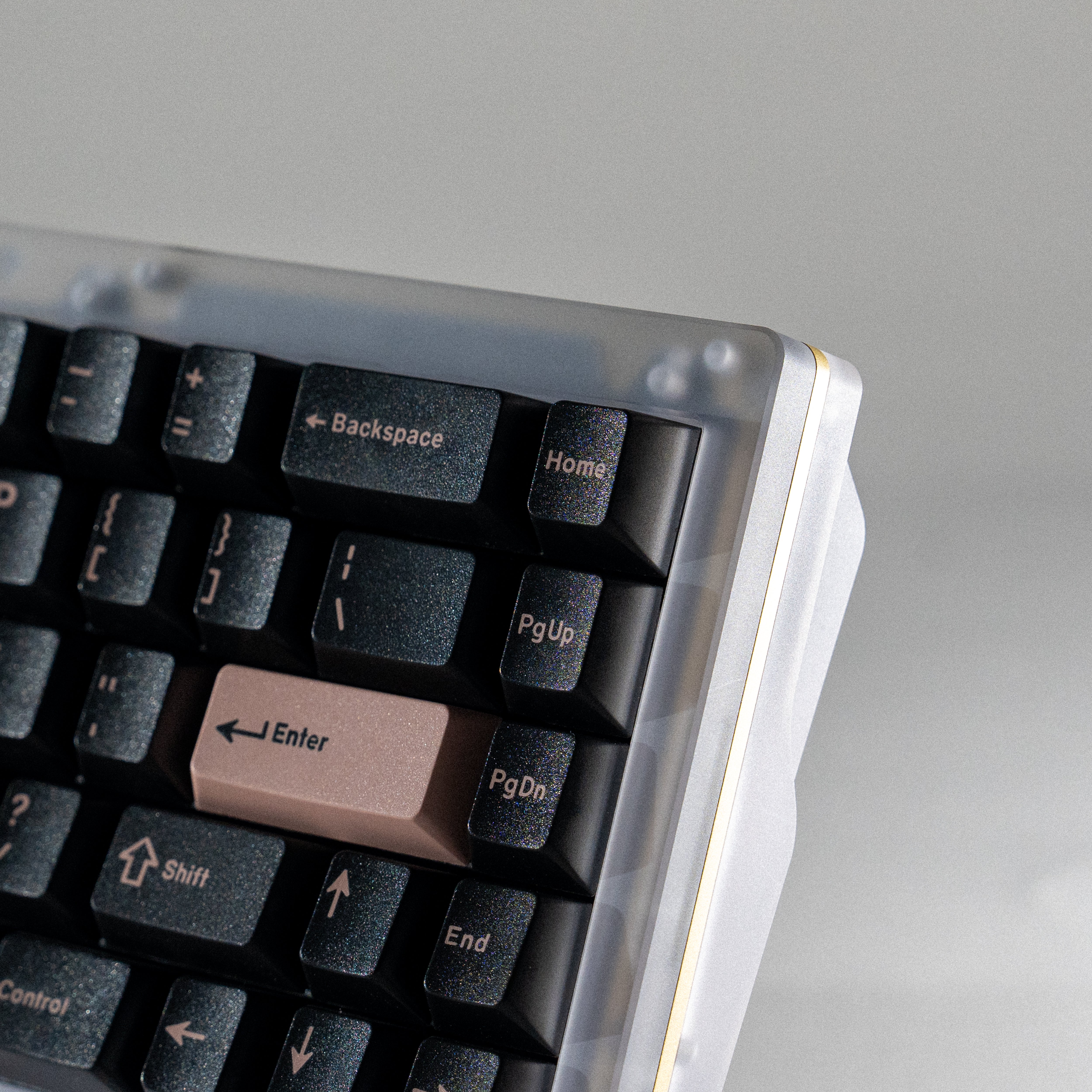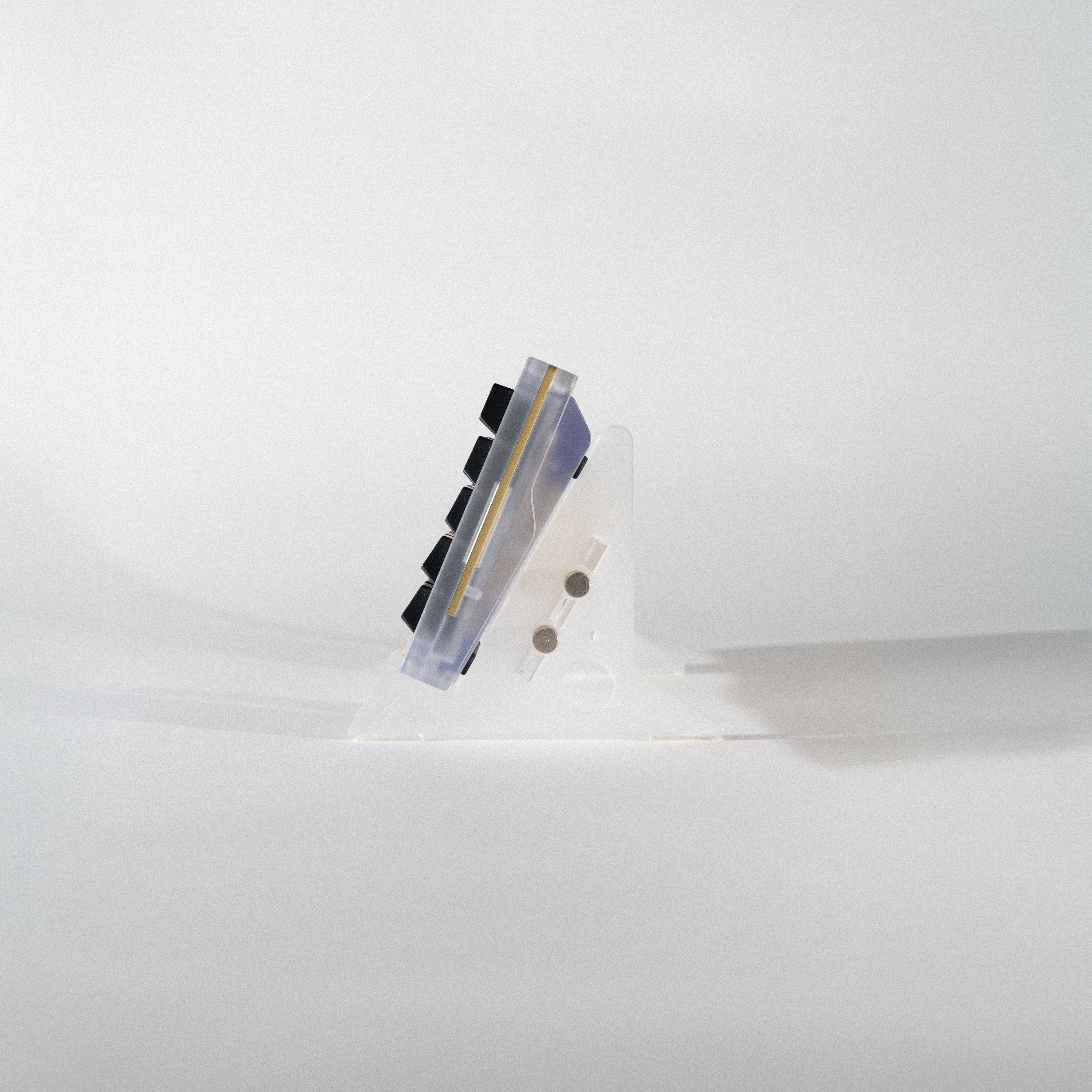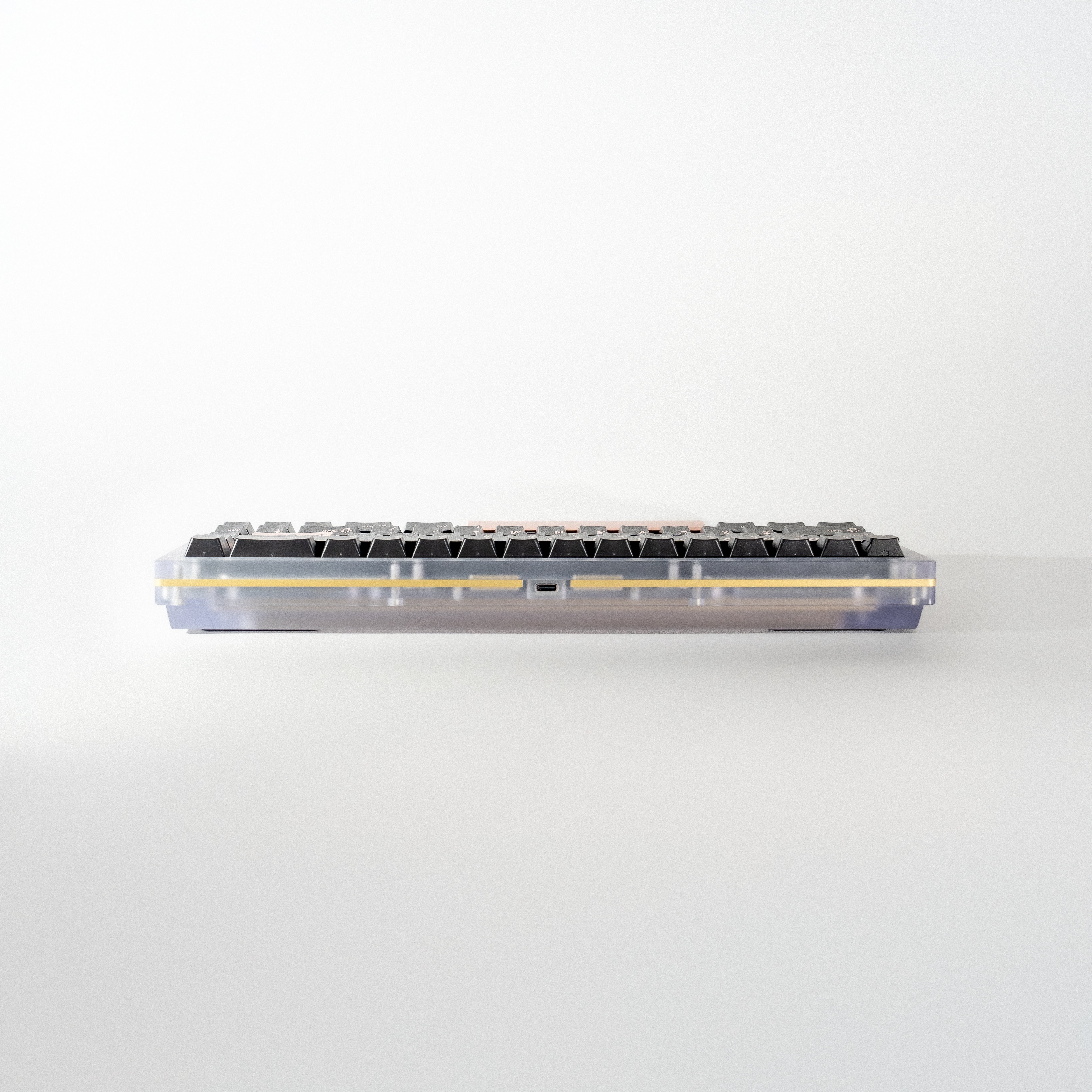
Constellation PC EC Full Kit
Regular price $810.00 AUD Sale price $810.00 AUD Regular price $810.00 AUD
Out of stock
Description

Our Signature System, Reborn

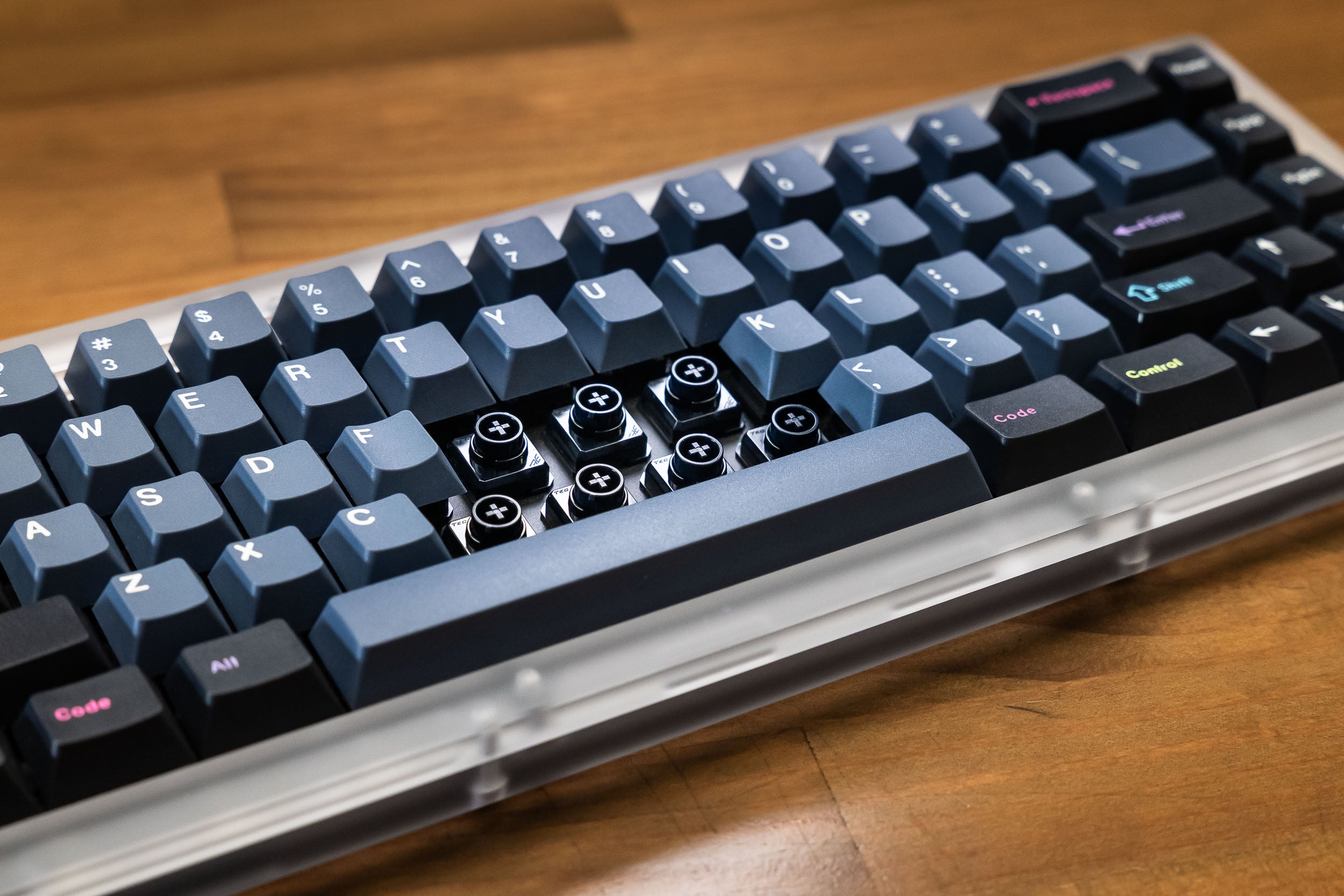
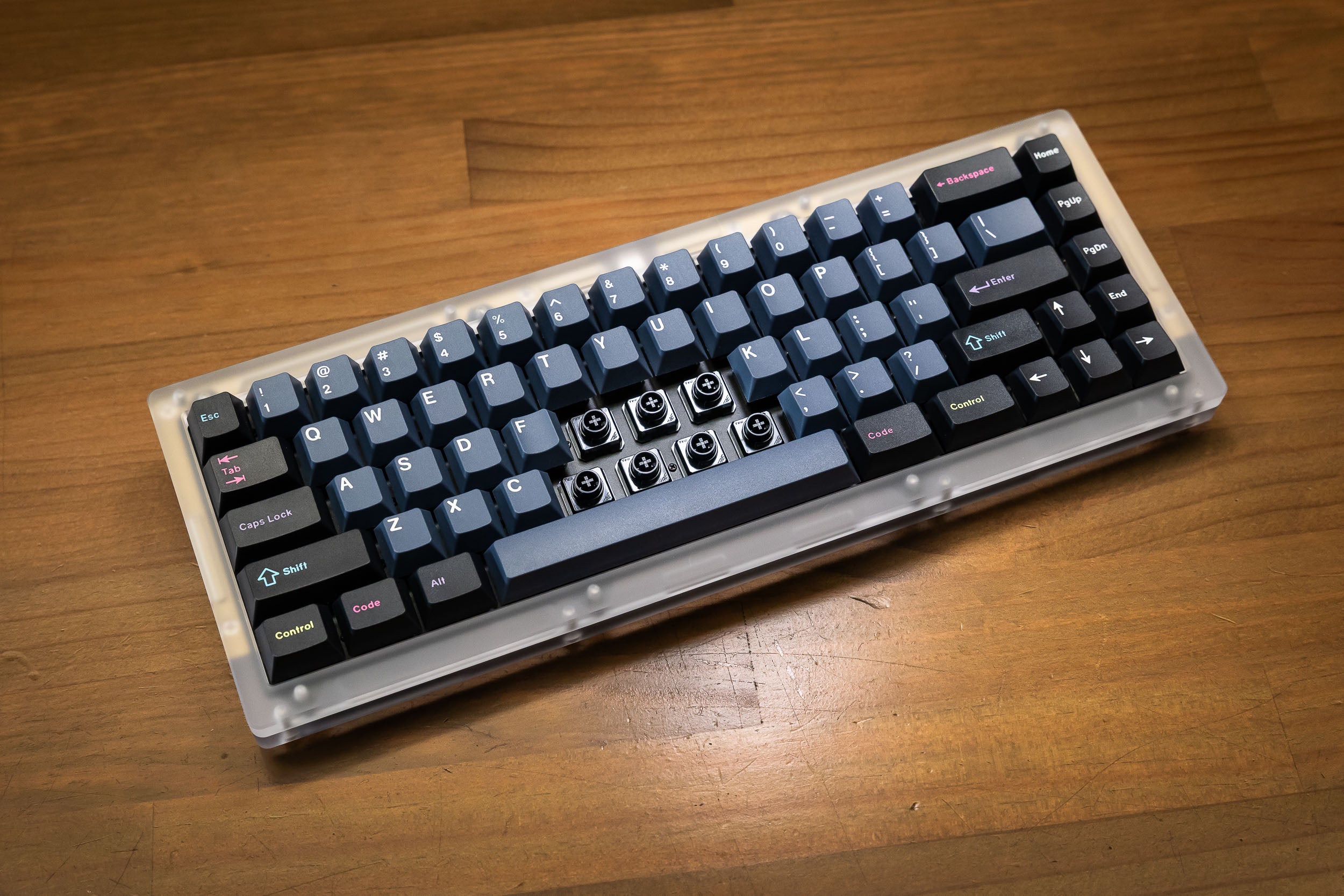
Love the unique feel of Topre but hate the frustrating, closed-off system? We did too. That's why we created the Naevies EC switch - to finally open up the world of EC to everyone.

Say goodbye to misaligned domes, finicky stabilisers, and hunting down keycaps. Our Naevies EC switches feature a standard Cherry MX footprint, allowing for a simple, drop-in installation on our new EC-compatible PCBs.

The goal is to create an ecosystem where any MX-style keyboard can be easily converted to EC technology. This system is currently available for the Constellation and Satellite keyboards, with conversion kits offered to help existing users transition. 

We've seen community members create fully DIY keyboards with our Naevies EC switches, and over time, we hope more designers bring out compatible PCBs.

Read more about the Constellation EC here.


The Full Kit

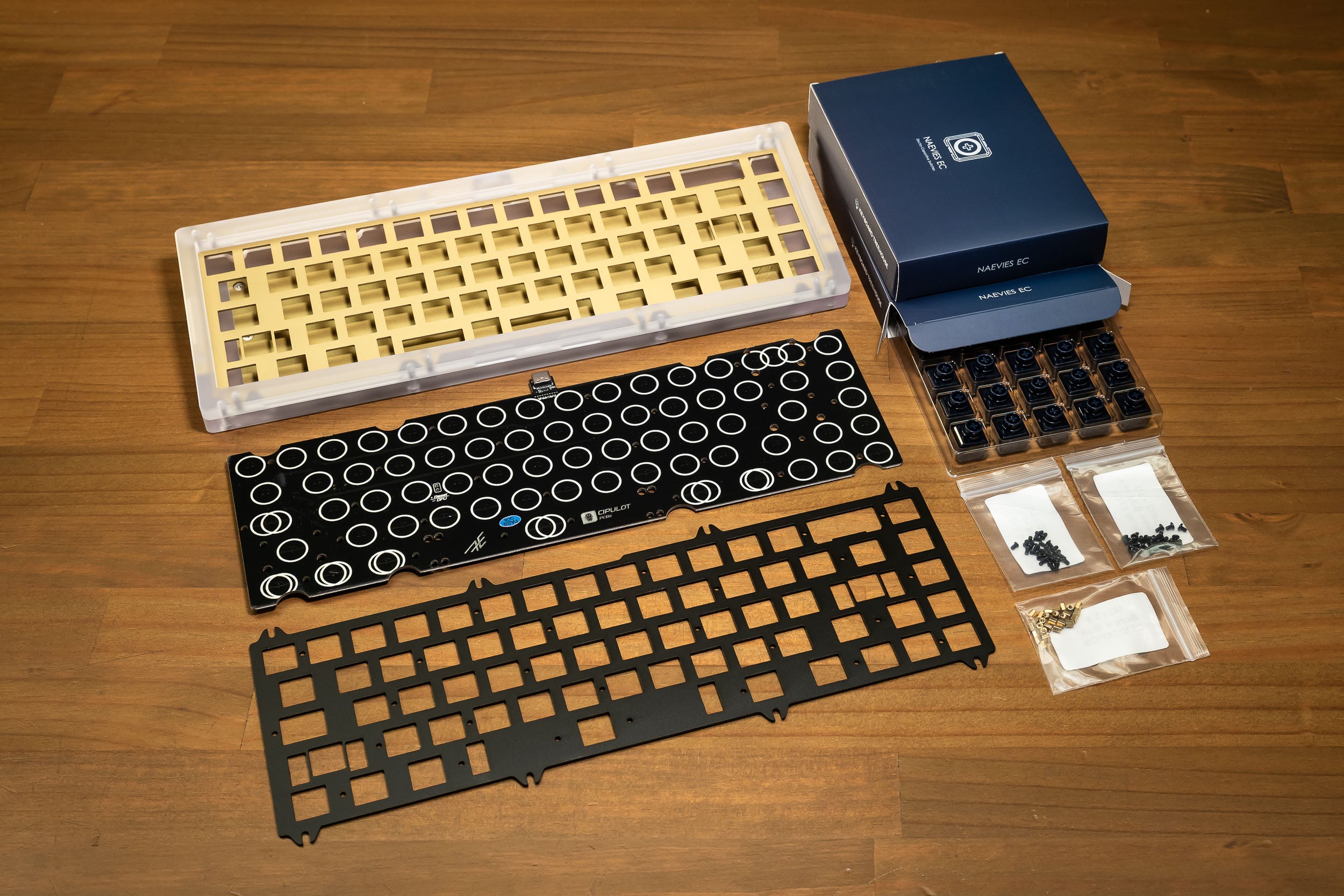
This listing combined 3 products which will show up as separate items after purchase - Constellation Case Only, EC PCB & Plate, and 2x Naevies EC 55g switches.

See the 'What's Included' section for a full list of inclusions. See the 'What's Included' section for a full list of inclusions. Keycaps and USB-C cable are not included.

Switches: Our 45g Naevies EC switches are out of stock so they have been replaced with the teal 55g switches.

    Specifications
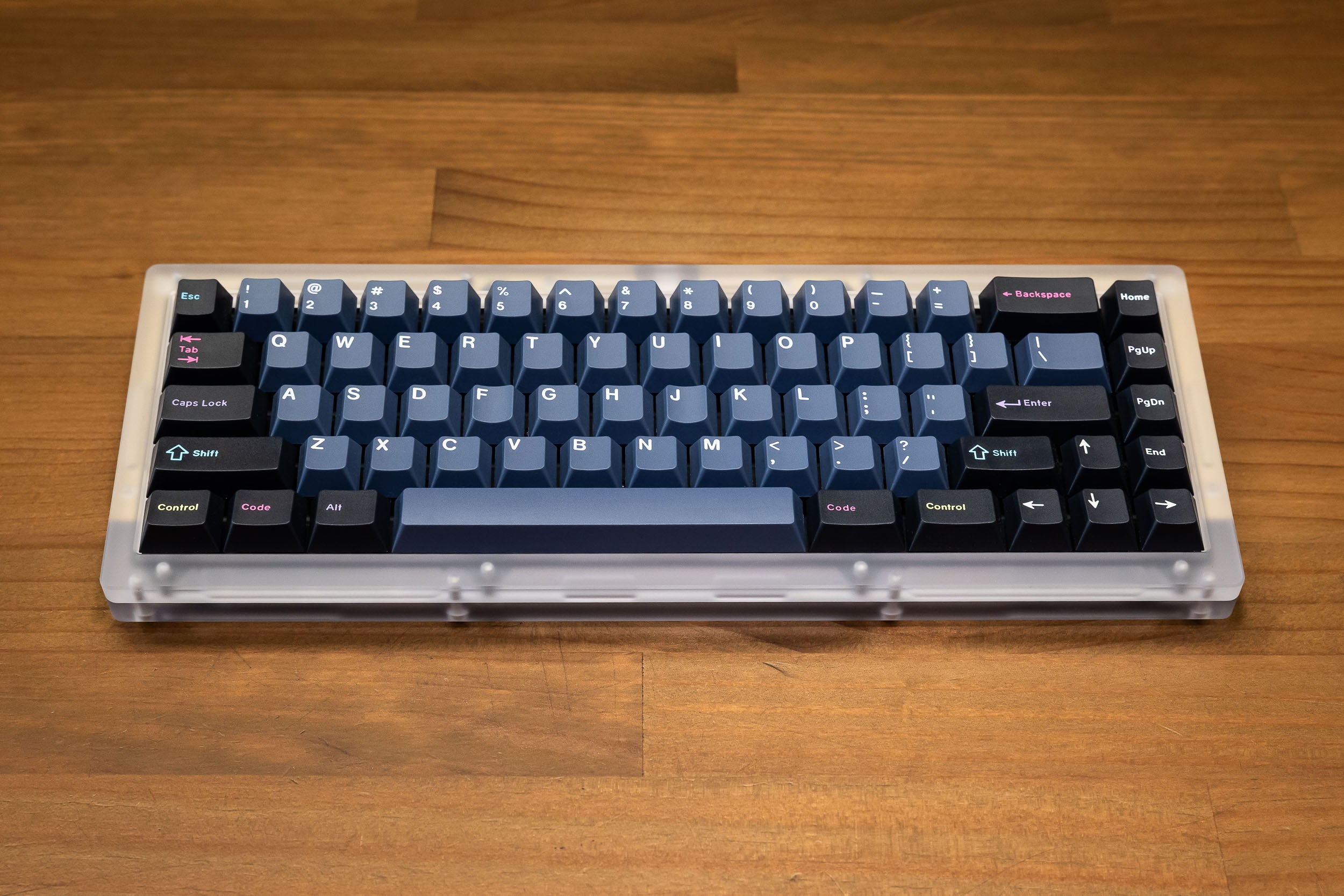
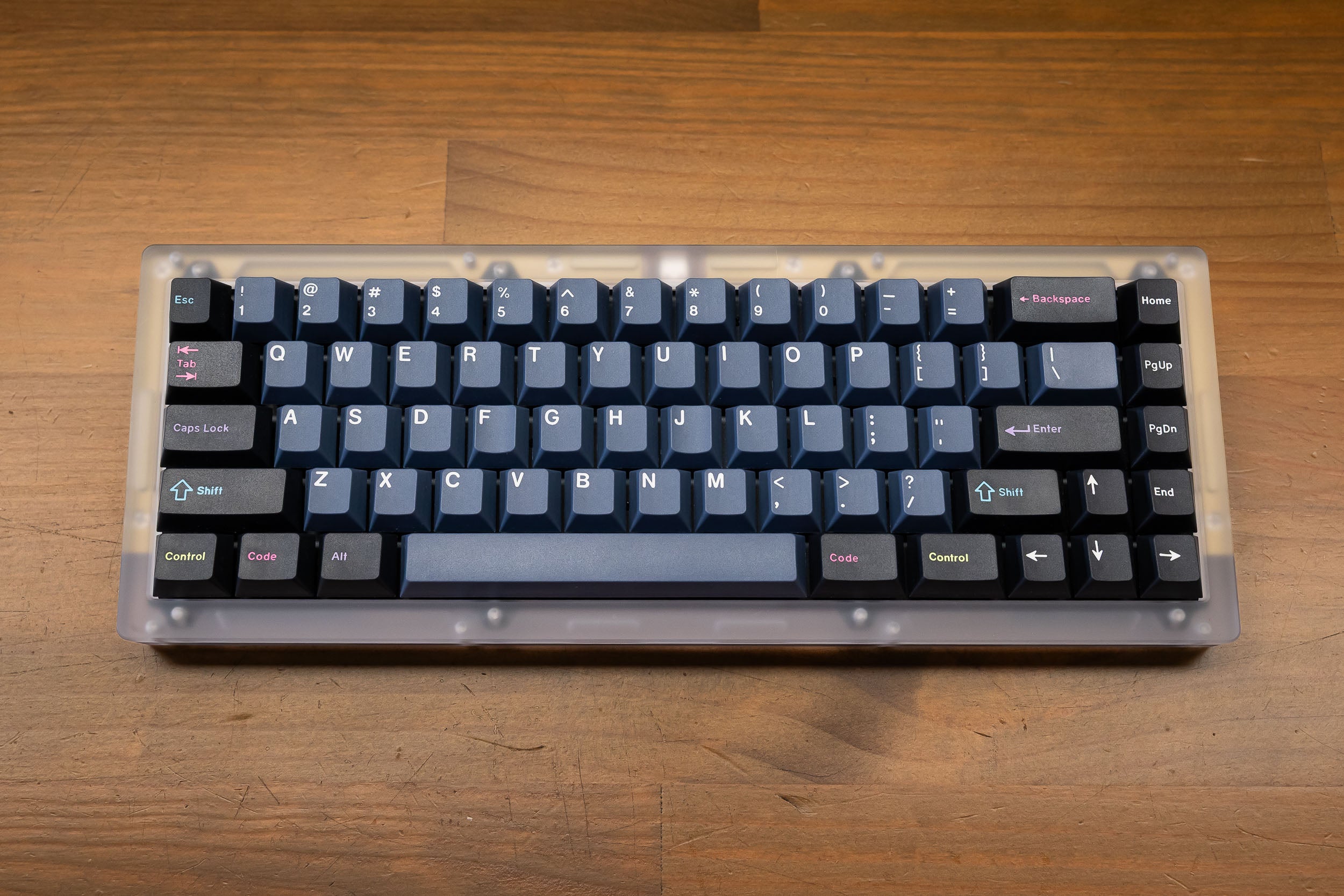
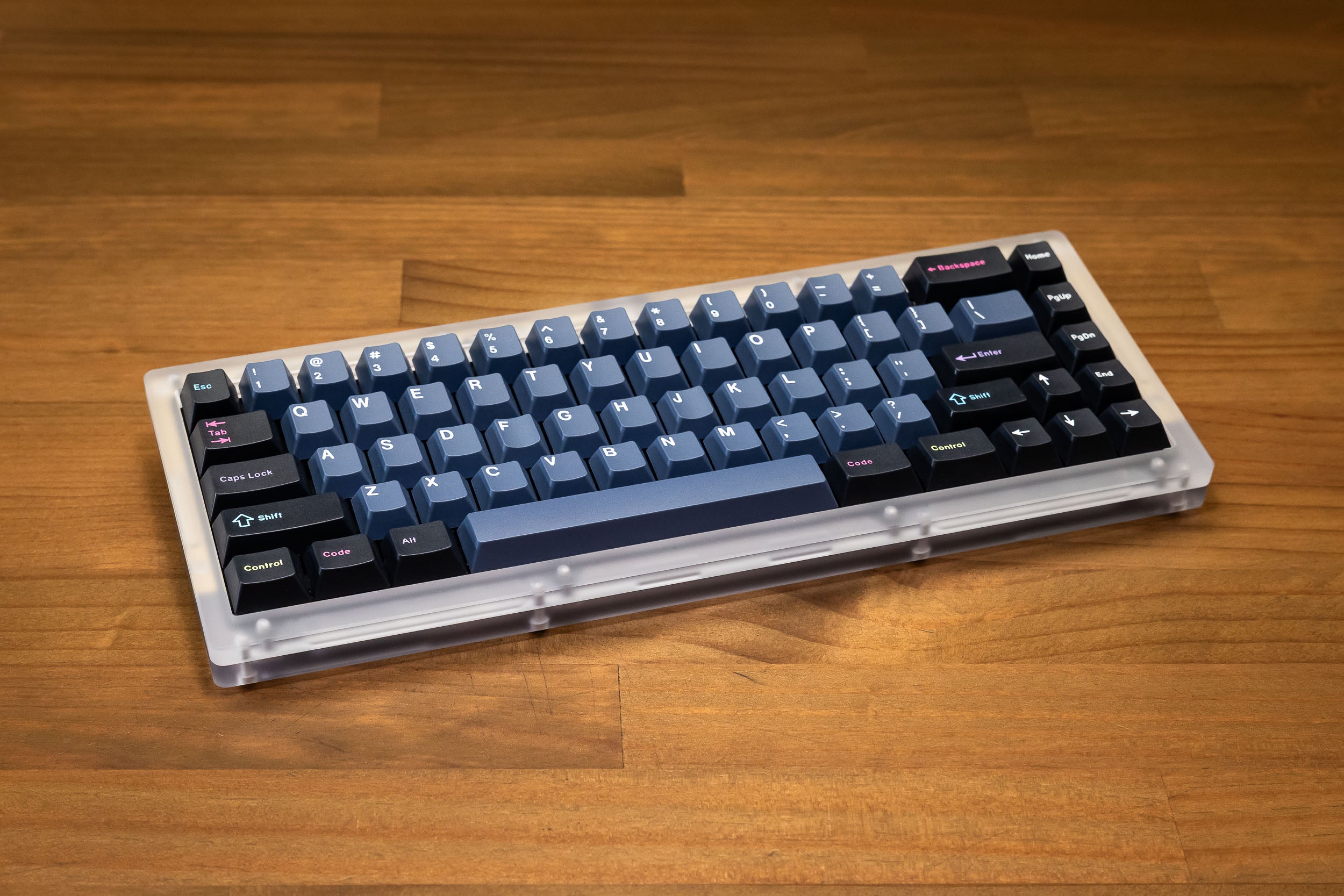
    Layout 65% blockerless
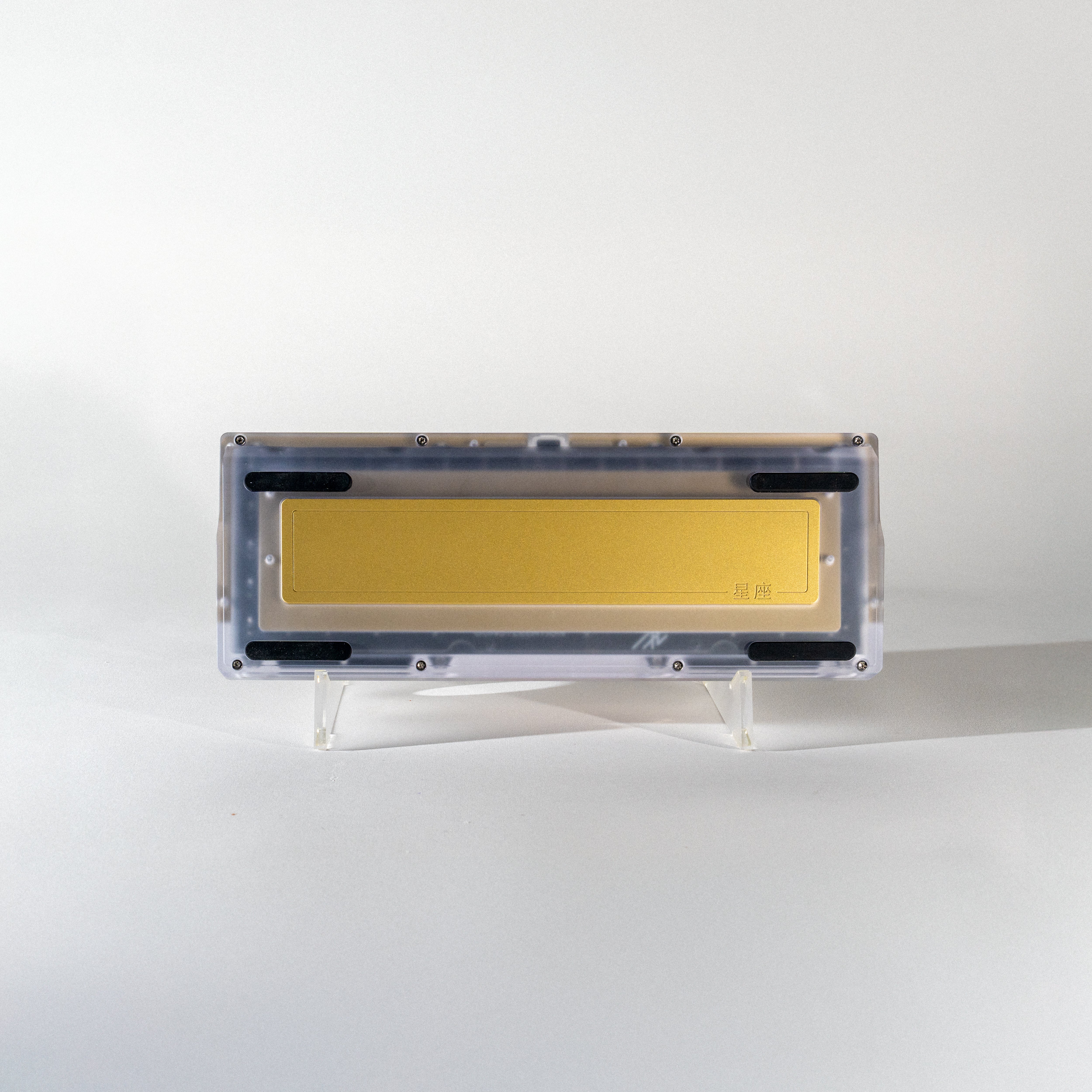
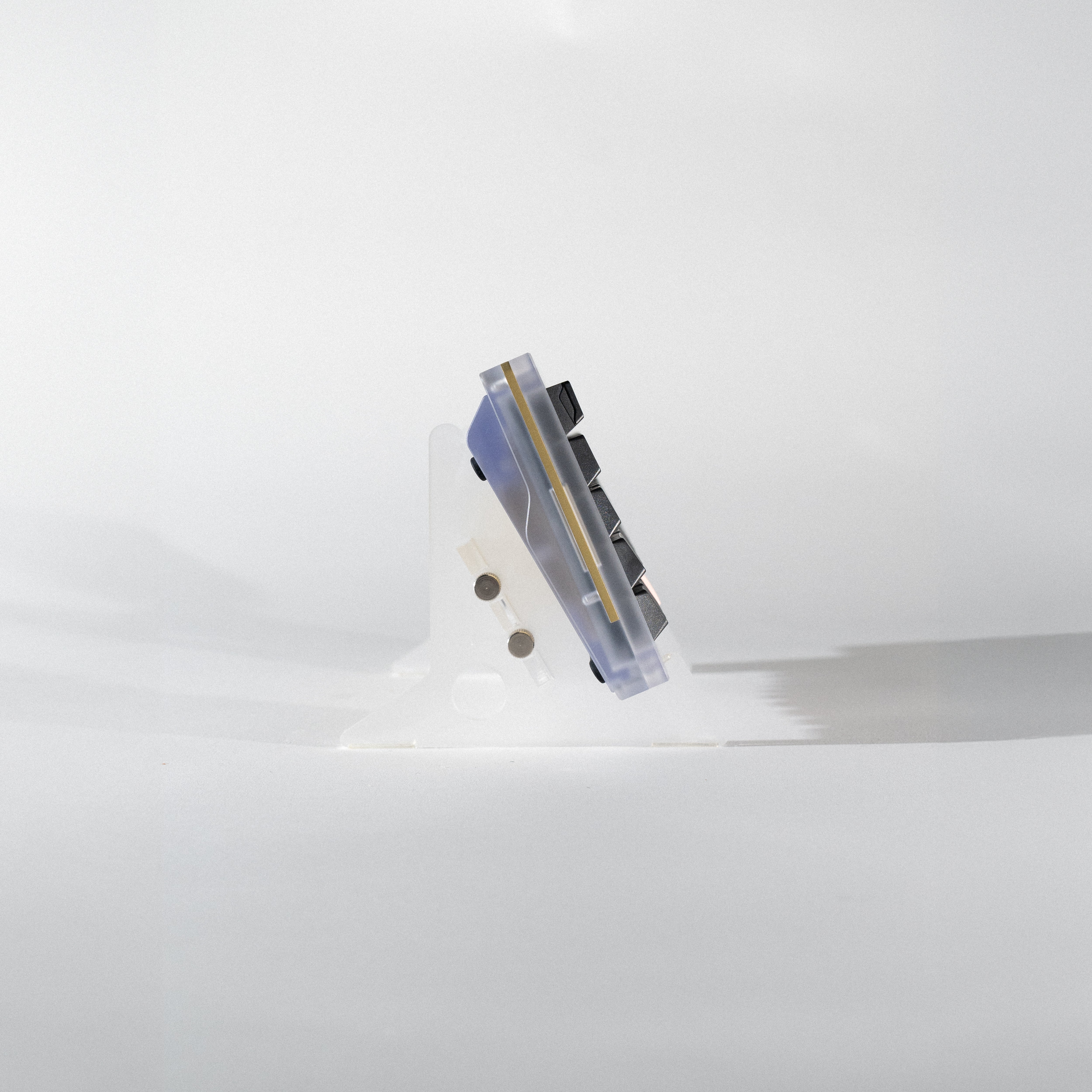
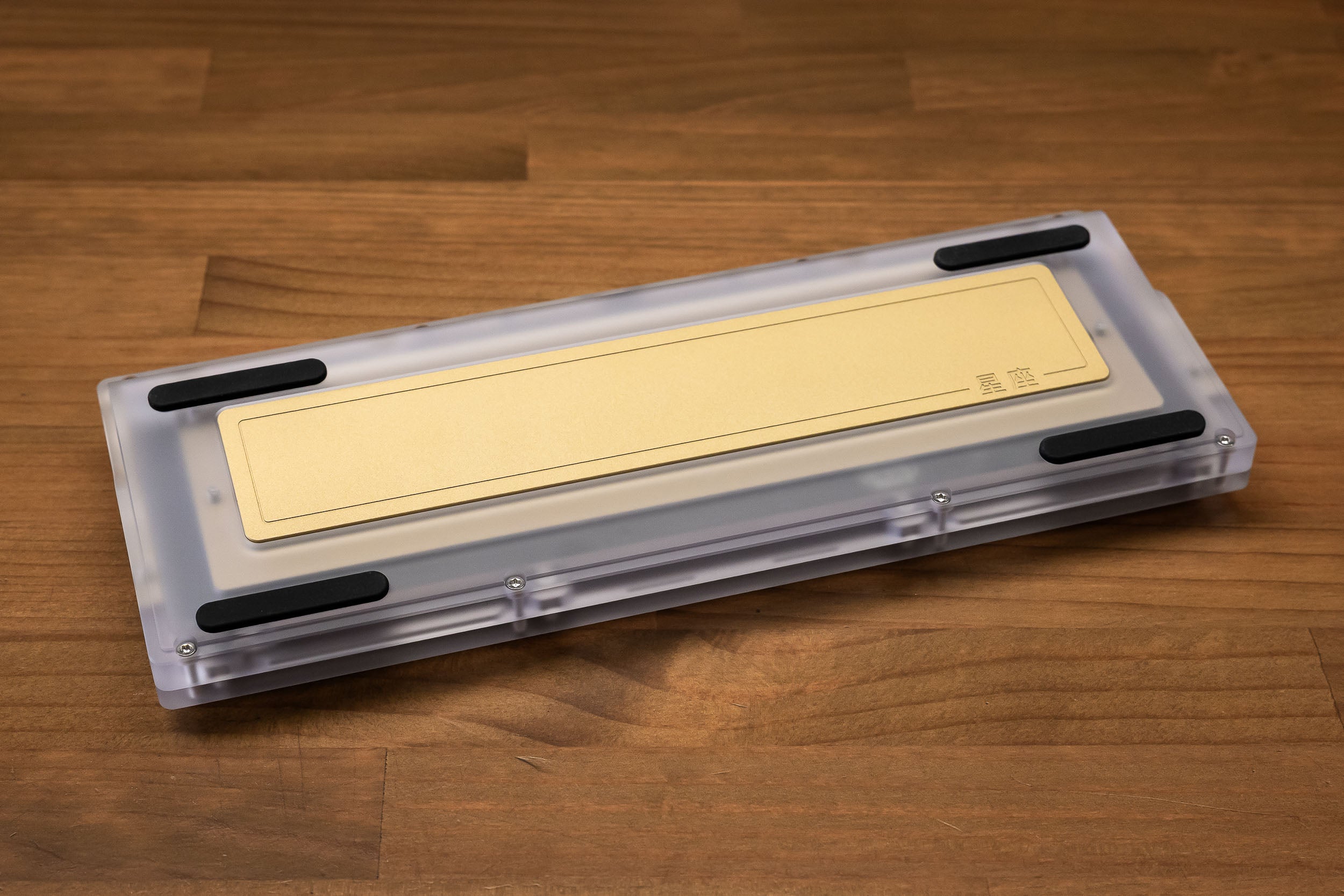
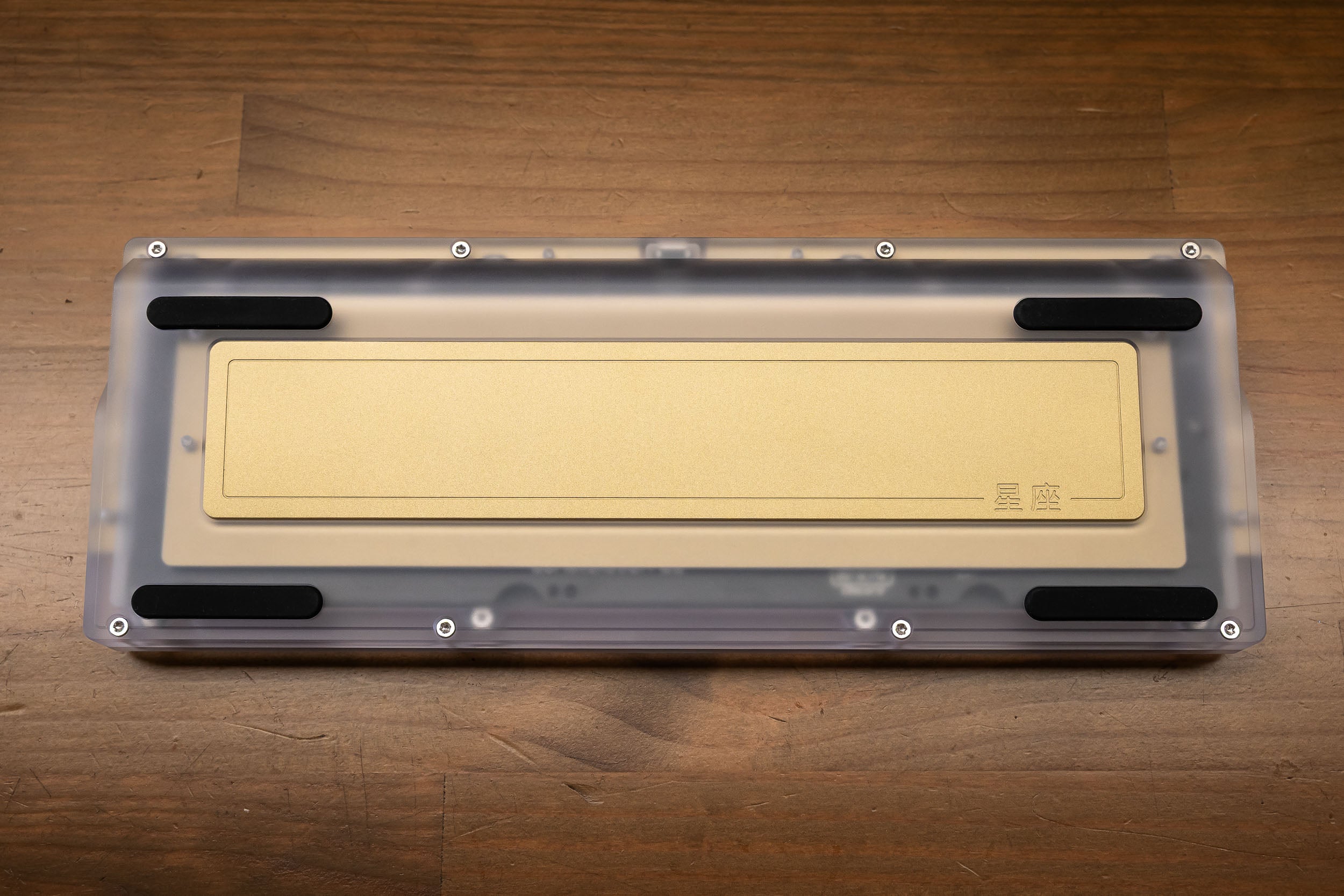
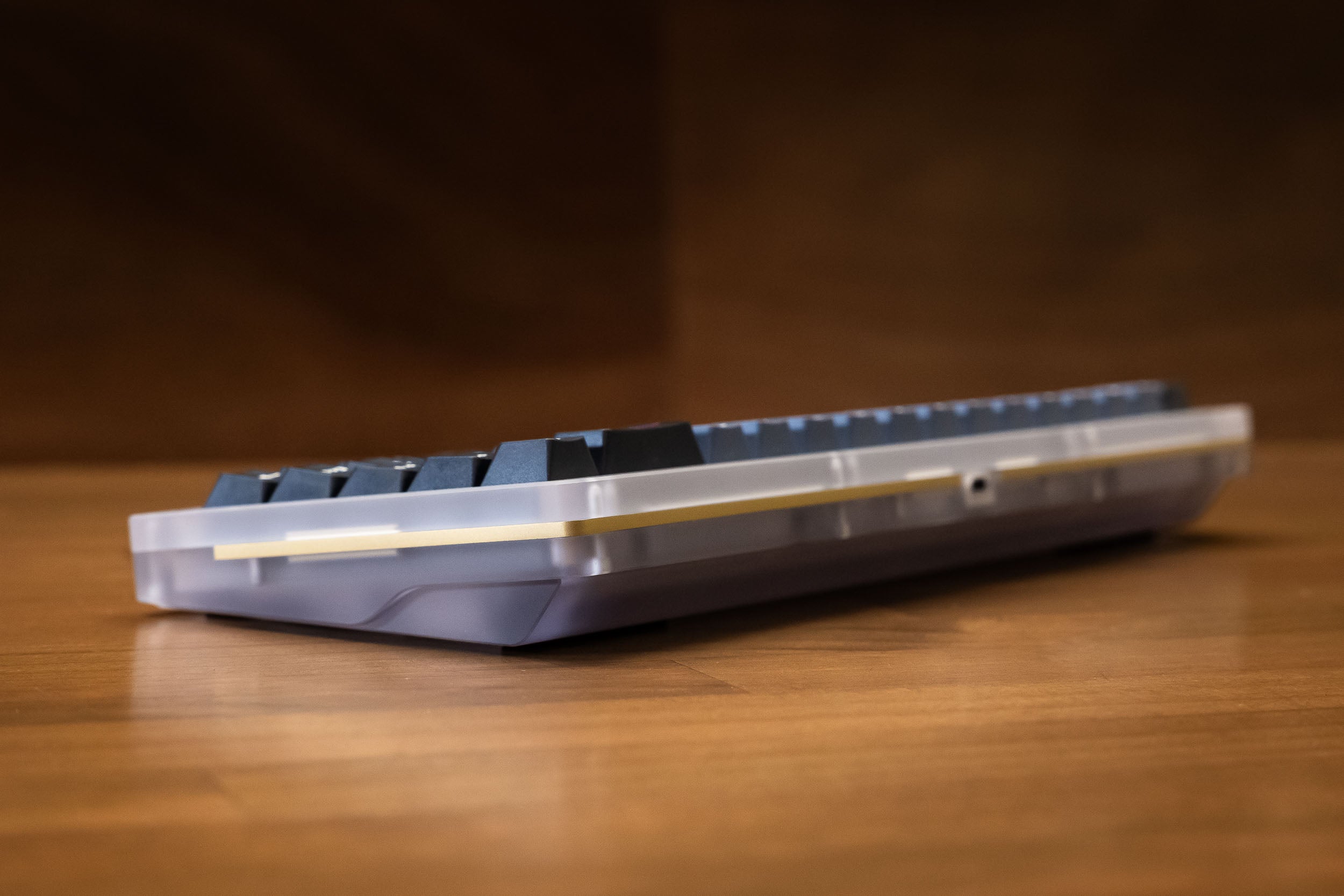
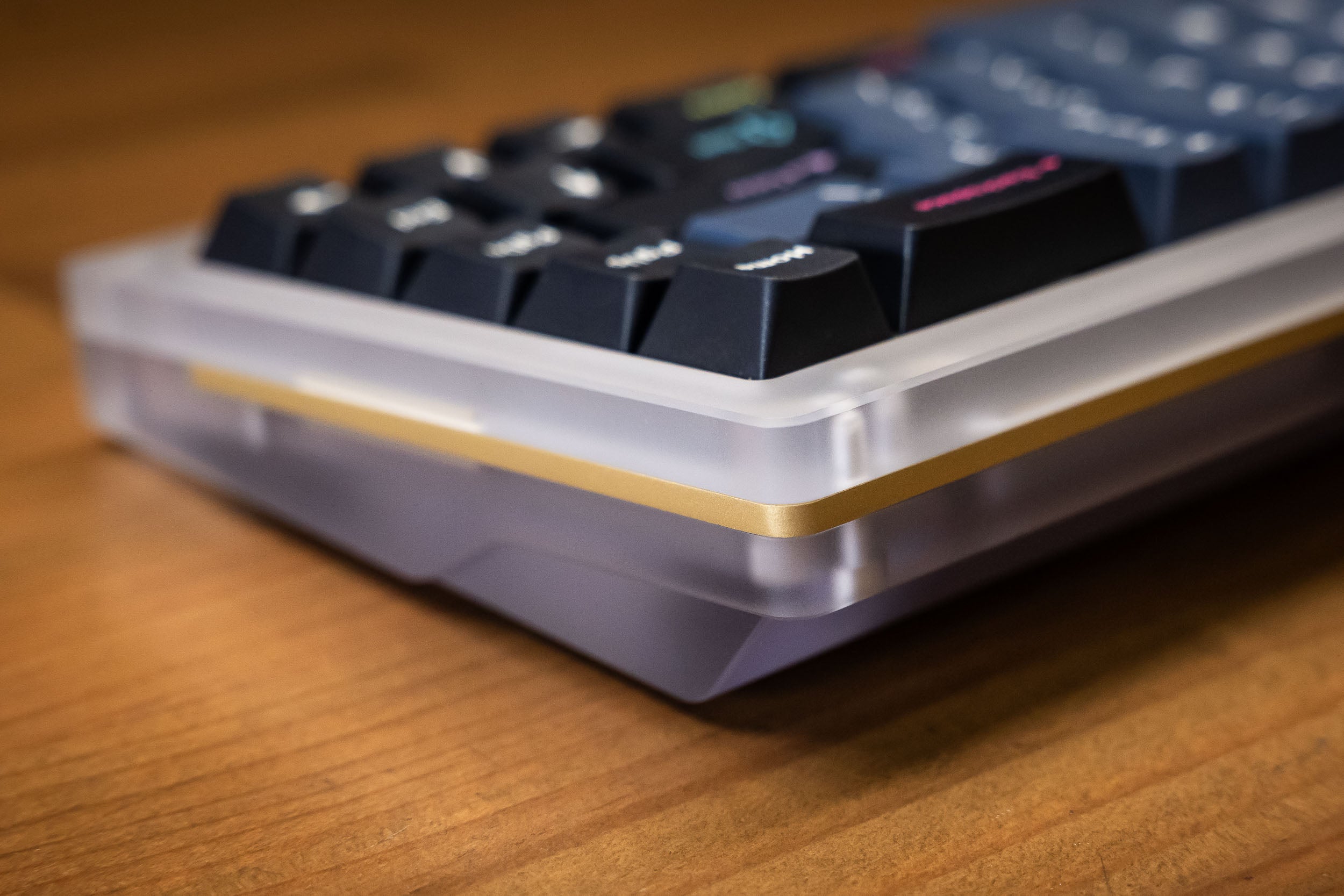
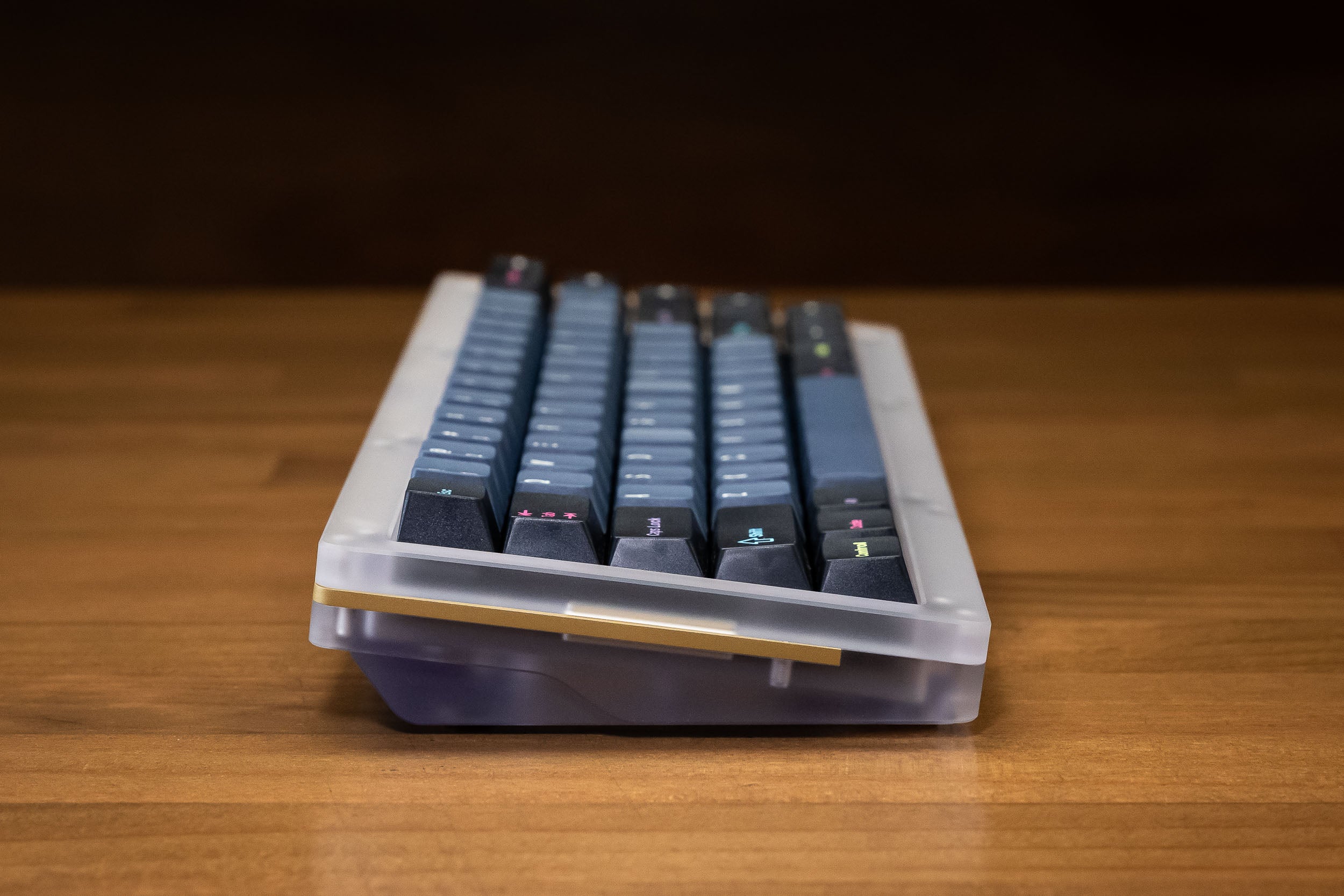
    Finish and Material Anodised aluminium / frosted polycarbonate (PC option)
    Plate 1.5mm anodised aluminium / 1.5mm brass (PC option)
    Mounting Method Top mount, gasket mount and O-ring
    Switch Support AEBoards EC
    PCB (Cherry MX) Solder 1.6mm thick FR4, Cherry MX style
    PCB (EC) 1.6mm thick FR4
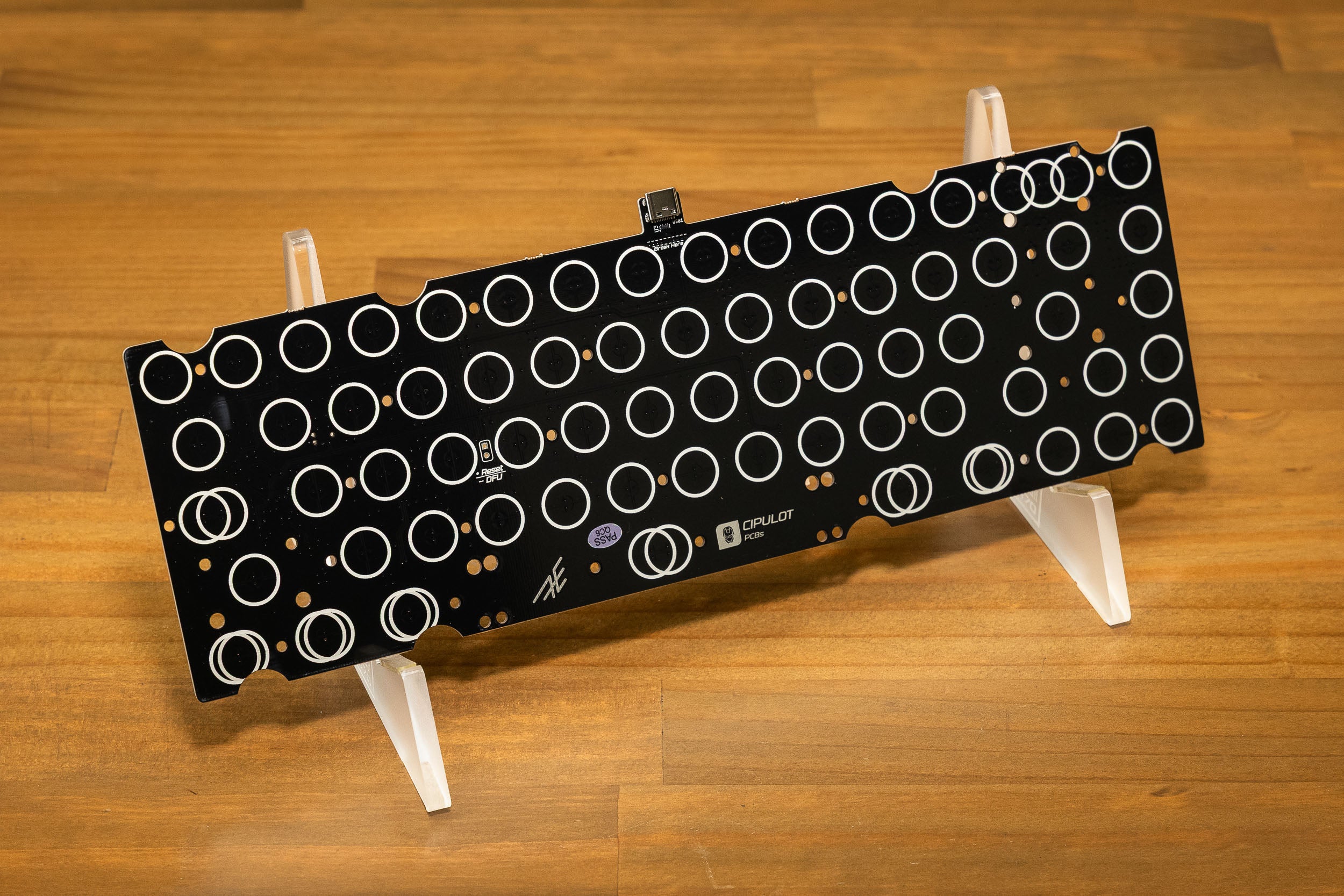
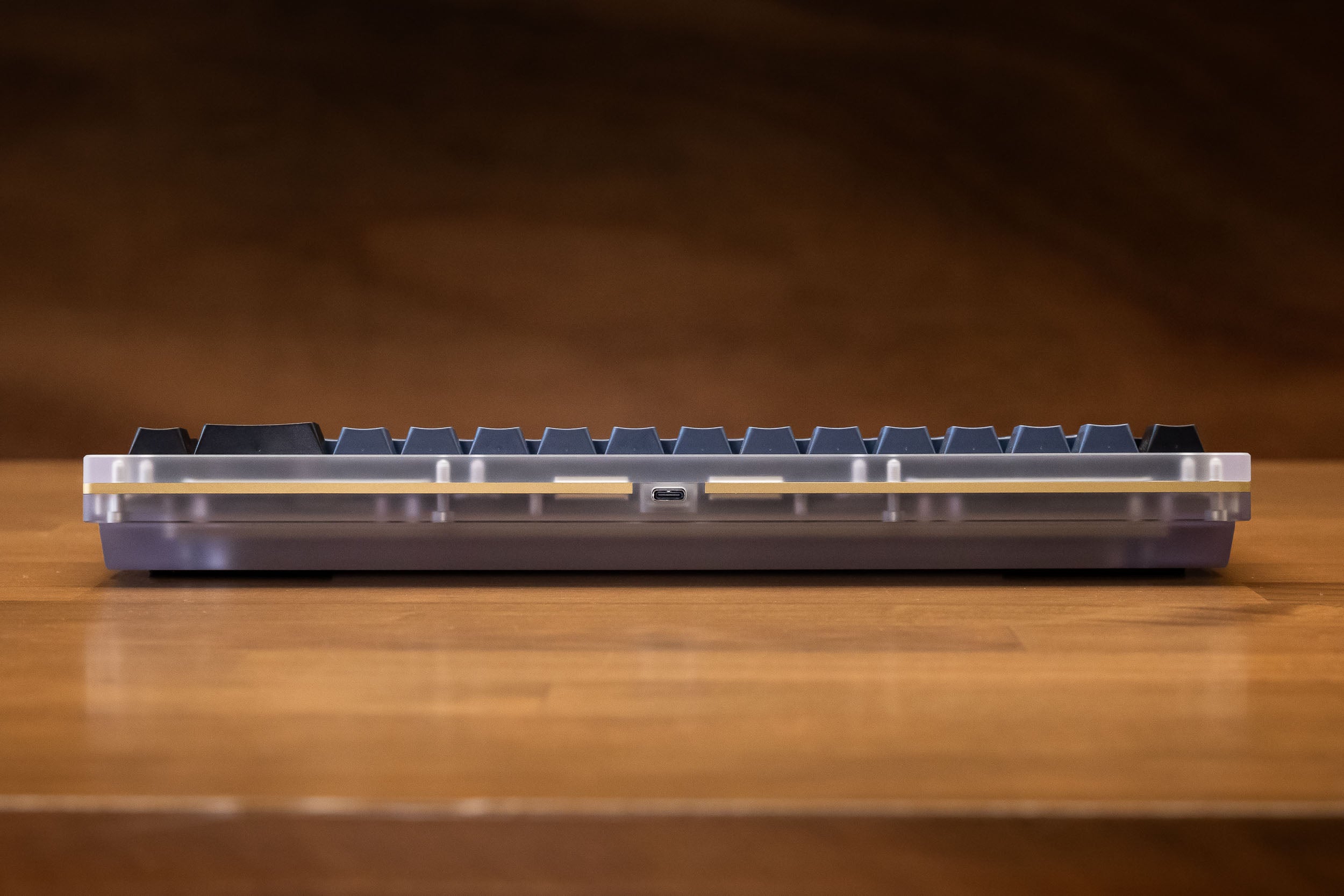
    Connectivity USB-C
    Wireless No
    Programming Method VIA, QMK
    Stabliser Support PCB-mount cherry MX style
    Front Height 22mm
    Typing Angle
    Dimensions 120 x 323mm
    Weight (unbuilt) 2.3kg
    Designed by AEBoards
    Manufactured in China
    What's Included
    • Constellation Keyboard Case
    • 1.5mm Brass Plate
    • Brass Accents
    • Gaskets
    • AEBoards standard feet
    • Black Nitrile O-ring
    • Constellation EC PCB
    • PC Staebies

    Not included:

    • USB-C Cable
    • Keycaps
    Trusted Fulfillment

    Fast, reliable fulfillment from our Sydney warehouse.

    Satisfaction Guaranteed

    Community tested and approved.

    Easy Returns

    Send it back stress-free.

    Global Shipping

    We deliver worldwide.

    The AEBoards EC System

    EC for the Modern Era

    Gone are the days of hunting down rubber dome sheets, springs, sliders and stabilisers. Our unique switch system brings the beloved feel of electro-capacitive typing into the modern era.

    You have complete freedom to use Cherry MX compatible keycaps and stabilisers, and switch modding is a breeze with the single-housing and dome assembly.

    Compatibility

    AEBoards EC switches are compatible with our Constellation EC PCB and Aepex EC PCB.

    They are not compatible with other other electro-capacitive or Topre keyboards on the market unless you do some modding. This is due to switch cutouts and PCB-plate spacing being different.

    We follow the Cherry MX configuration of 14x14mm switch slots and 5mm between PCB and top of plate (3.5mm standoffs with a 1.5mm plate).

    HE Switches and Domes

    Our Raeds HE and Naevies EC switches share the same housing and dome structure, which mean you can freely swap the domes between each other, and with any of our linear or tactile dome packs.

    Visual dome swapping guide here.

    Layouts

    We have a few layout options easily configured through the VIA website.

    Backspace can be changed into split backspace with a toggle. 

    There is a drop down list of 3 options, in the Constellation EC, you will only be able to build with Option 1 or 2. Option 3 is only possible in the Satellite EC (through the upgrade kit or full kit).

    Keep in mind that our 65% layout uses 1.5u keycaps, which may not be present in some keycap sets. If you are unsure, send us a link to the keycaps and we can check for you.

    See the last image in the gallery for a detailed diagram.


    EC Build Instructions

    To help guide you through your build, we've partnered with Lightning Keyboards, a builder and streamer renowned in the community for his meticulous craftsmanship and incredible attention to detail.

    Follow his step-by-step build guide here.

    This is applicable to both Satellite EC and Constellation EC builds.

    No soldering is required, only a screwdriver. Included are 2 bags of screws (one set for PCB, one set for plate) and 1 bag of standoffs.

    1. Install stabilisers onto the PCB.
    2. Install standoffs to the PCB using PCB screws.
    3. Place the plate on the standoffs, and screw in with plate screws (smaller screw heads).
    4. Insert Naevies EC switches into the plate in any orientation.
    5. Calibrate the PCB with VIA (caniusevia.com). Here is a guide from the designer Cipulot - https://youtu.be/Q4fDkv0Z1bM
    Hear from our community

    Customer Reviews